
Best Cold Wallet Crypto for Beginners: 5 Picks Under $150

 Prefer us on Google


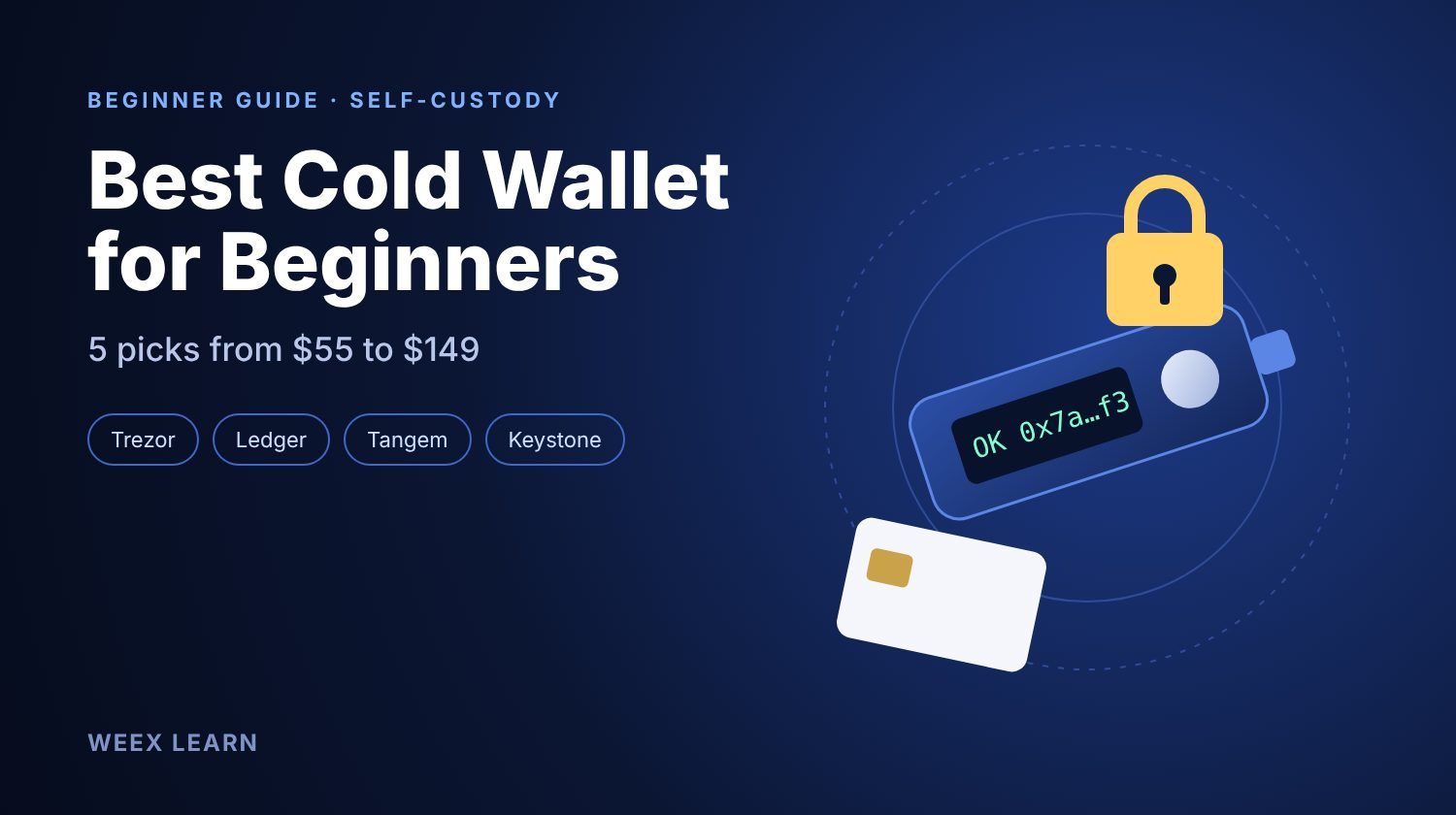
The best cold wallet crypto for beginners is usually a Trezor Safe 3 or a Ledger Nano S Plus, both listed around $79 in 2026, because they have a screen to check every transaction, a 24-word backup you control, and companion apps that walk first-time users through setup. If you mostly use your phone, a Tangem card set (about $55 for two cards) is the simplest option. If you want Bluetooth or an air-gapped device, expect to pay about $149.
This guide does not rank wallets by spec sheet. It sorts five beginner-friendly devices by how you will actually use them, explains what the extra $70 between entry and mid-range models buys you, and ends with the first-hour setup routine that prevents most beginner losses.
Do You Need a Cold Wallet as a Beginner?
A cold wallet keeps your private keys on a device that never exposes them to the internet. You sign transactions on the device, so a compromised laptop or phone cannot move your coins on its own.
Whether it is worth buying depends on the amount and the time horizon, not on how experienced you are. A practical rule many long-time holders use:
- Under a few hundred dollars and trading often: keeping funds on a reputable exchange is usually fine, as long as you turn on two-factor authentication and withdrawal allowlists.
- More than you would be upset to lose, held for months: move it to a cold wallet. A $79 device protecting $2,000 is cheap insurance.
- Coins you plan to trade this week: leave them where you trade. Moving funds back and forth costs network fees and adds chances to paste the wrong address.
If you are still deciding between wallet types in general, our guide on how to get a crypto wallet covers hot, custodial and hardware options side by side.
Best Cold Wallet Crypto for Beginners: 5 Picks by How You Hold
Prices below are manufacturer list prices seen in mid-2026. They move with promotions, bundles and region, so check the official store before buying, and never buy a used device or one from a third-party marketplace seller.
1. Trezor Safe 3 — best first device for most beginners (about $79)
The Safe 3 uses a USB-C cable, an EAL6+ certified secure element and a small monochrome screen. Its firmware is open source, which means outside researchers can inspect how it works. Trezor Suite, the desktop and mobile companion app, is one of the clearer onboarding flows for people who have never written down a recovery phrase. It also supports multi-share backup, which splits your recovery into several pieces so no single sheet of paper can drain the wallet. The trade-off: no Bluetooth, so phone use depends on a cable and an Android device.
2. Ledger Nano S Plus — best for holding many different tokens (about $79)
The Nano S Plus is USB-powered with no battery to degrade. Ledger Live supports a very wide range of networks, and the device works with popular browser and mobile wallets for DeFi. Beginners should know two things. Ledger's firmware is not fully open source. And in 2023 the company introduced Ledger Recover, an optional paid service that can back up an encrypted version of your seed with third parties. It is opt-in, but some users prefer a device where that option does not exist at all.
3. Tangem — simplest setup for phone-first users (about $55 for 2 cards, $70 for 3)
Tangem wallets are NFC cards that you tap against your phone. There is no screen, battery or cable, and the chip is EAL6+ rated. Instead of a written seed phrase by default, the extra cards act as backups. That removes the most common beginner failure, a lost or photographed seed phrase, but it adds a different one: if all cards are lost or damaged, recovery depends on whether you enabled the optional seed phrase. The lack of a screen also means you trust your phone's display when confirming addresses.
4. Ledger Nano X — best if you want Bluetooth on the go (about $149)
The Nano X adds a battery and Bluetooth, so you can sign transactions from an iPhone without a cable. For someone who checks a portfolio daily from a phone, that convenience is the whole point. Its screen is the same small 128×64 display as the Nano S Plus, so reading long addresses is still fiddly.
5. Keystone 3 Pro — best for strict air-gapped storage (about $149)
Keystone signs transactions by scanning QR codes, so the device never connects by cable or Bluetooth. Its large touchscreen makes address checks easier than on any of the cheaper devices. It pairs with third-party wallets rather than one in-house app, which suits users who already know which software wallet they like. For a total beginner, the QR workflow adds one more step to learn.
What the Extra $70 Actually Buys You
The jump from the $79 tier to the $149 tier does not buy stronger key protection. All five devices keep keys offline on a secure chip. The extra money buys convenience and screen quality:
- Bluetooth or wireless signing (Nano X), which matters only if you sign from an iPhone or away from a computer.
- A bigger, clearer screen (Keystone 3 Pro, and higher-end models like Trezor Safe 5 or Ledger Flex), which makes it easier to read a full address and spot a tampered one.
- Battery power, which also means a part that will eventually wear out.
The more important point for a beginner is the screen. A device that lets you read the receiving address and the amount before you approve is what stops clipboard malware and fake wallet pop-ups. Any model with a screen does that. Spending more only makes reading easier.
-- Price
How to Set Up Your First Cold Wallet in One Hour
Most cold wallet losses happen during setup, not years later. Follow this order:
- Buy from the official store and check that the box seal and device are intact. A device that arrives with a pre-printed recovery phrase is a scam. Return it.
- Install the companion app from the official website, not from a search ad. Fake Ledger Live and Trezor Suite apps have appeared in app stores before.
- Generate a new wallet on the device and write the recovery words on paper or a metal backup. Never type them into a phone, computer, cloud note or photo.
- Do a recovery test before funding: reset the device and restore it from your written words. If restore fails, you wrote something wrong. Better to learn that with $0 inside.
- Send a small test amount first. Withdraw $10–$20 from your exchange, confirm the address on the device screen, and wait for it to arrive.
- Then send the rest, again checking the first and last six characters of the address on the device.
- Store the backup somewhere separate from the device. A burglar who finds both owns your coins.
If you are moving coins off WEEX, you can start with a small BTC spot purchase and practice the withdrawal flow before moving larger balances.
What Beginners Usually Get Wrong
Experienced holders tend to see the same handful of mistakes:
- Photographing the seed phrase "just as a backup." Phone galleries sync to the cloud. That turns cold storage into hot storage.
- Entering the seed phrase on a website that claims your wallet needs "validation" or an "upgrade." No legitimate wallet maker asks for it, ever.
- Approving transactions without reading the screen. Blind signing on DeFi apps has drained hardware wallet users who assumed the device made them safe.
- Buying a second device to "be safe" and storing both seeds together. Redundancy only helps when backups are kept in separate places.
- Forgetting the passphrase. If you add an optional passphrase (sometimes called the 25th word), losing it locks you out as surely as losing the seed.
For a wider comparison that includes premium models, see our best crypto cold wallet 2026 roundup.
Which One Should You Buy?
If you want one answer: buy a Trezor Safe 3 or Ledger Nano S Plus, spend the first hour on the setup steps above, and do a full recovery test before you deposit anything. Pick Tangem only if you are sure you will keep at least one card safe and would never write down a seed phrase anyway. Pay for the Nano X or Keystone 3 Pro only when Bluetooth or an air gap solves a real problem in how you use crypto.
FAQ
1. What is the cheapest safe cold wallet for beginners?
Tangem's two-card set, at about $55 in 2026, is the cheapest mainstream option. Among devices with a screen, the Trezor Safe 3 and Ledger Nano S Plus sit around $79.
2. Can a cold wallet be hacked?
The keys are hard to extract from a secure chip, so most losses come from people revealing their recovery phrase, buying tampered devices, or approving malicious transactions. Protect the seed and read the screen before every approval.
3. What happens if I lose my cold wallet?
You restore your funds on a new device, or a compatible wallet, using your recovery phrase. The coins live on the blockchain, not on the device. Lose both the device and the recovery phrase and the funds are gone.
4. Should I keep some crypto on an exchange?
Yes, if you trade regularly. Many holders keep a small trading balance on an exchange and move longer-term holdings to cold storage.
This content is provided for general informational purposes only and doesn't constitute financial, investment, legal, or tax advice. Any events, rewards, online promotions, or related information mentioned herein should not be considered a recommendation, solicitation, or invitation to purchase, sell, trade, or otherwise deal in any crypto assets. Crypto assets are highly volatile and may result in loss. The availability of WEEX services, products, and related events may vary by region. You are responsible for ensuring that your participation is in accordance with applicable local laws and regulations.
You may also like
WEEX Convert Guide: How to Swap Crypto on Web and App and What the Quote Really Means
Best Crypto Platform for Beginners: Pick by Goal, Not Brand
Best Crypto Broker for Beginners: What to Check in Fees, Regulation, Security and Support Before You Deposit
Best Crypto Wallet for Beginners 2025: Pick by What You Will Do
Crypto Funding Rate: Who Pays, What It Costs, What It Signals

How to Use an APR Boost on WEEX Auto Earn Without Wasting It
Anonymous Crypto Wallet: What Each One Hides and Where It Fails

What Is a Blockchain Node? Types, 2026 Counts, and Real Costs
Taiwan Stock Market Nears 50,000: Can the TAIEX Break the Milestone After the Holiday?
How to Buy USDT in Thailand: Payment Methods, Fees and Transfer Checks
WEEX API Key Setup: How to Connect a Third-Party Platform Safely
How to Become a WEEX Broker: Application, API Setup and Go-Live
What Is WEEX Broker? API Program, Commissions and How It Works

WEEX Broker Models: Strategy Bots, Copy Trading and Sub-Exchanges
What Is Orca (ORCA) Crypto? The Solana DEX, USDY Liquidity, and the ORCA Name Confusion

WEEX TOKEN2049 Day 1 Live Preview: Booth, MBTI and AI Demo
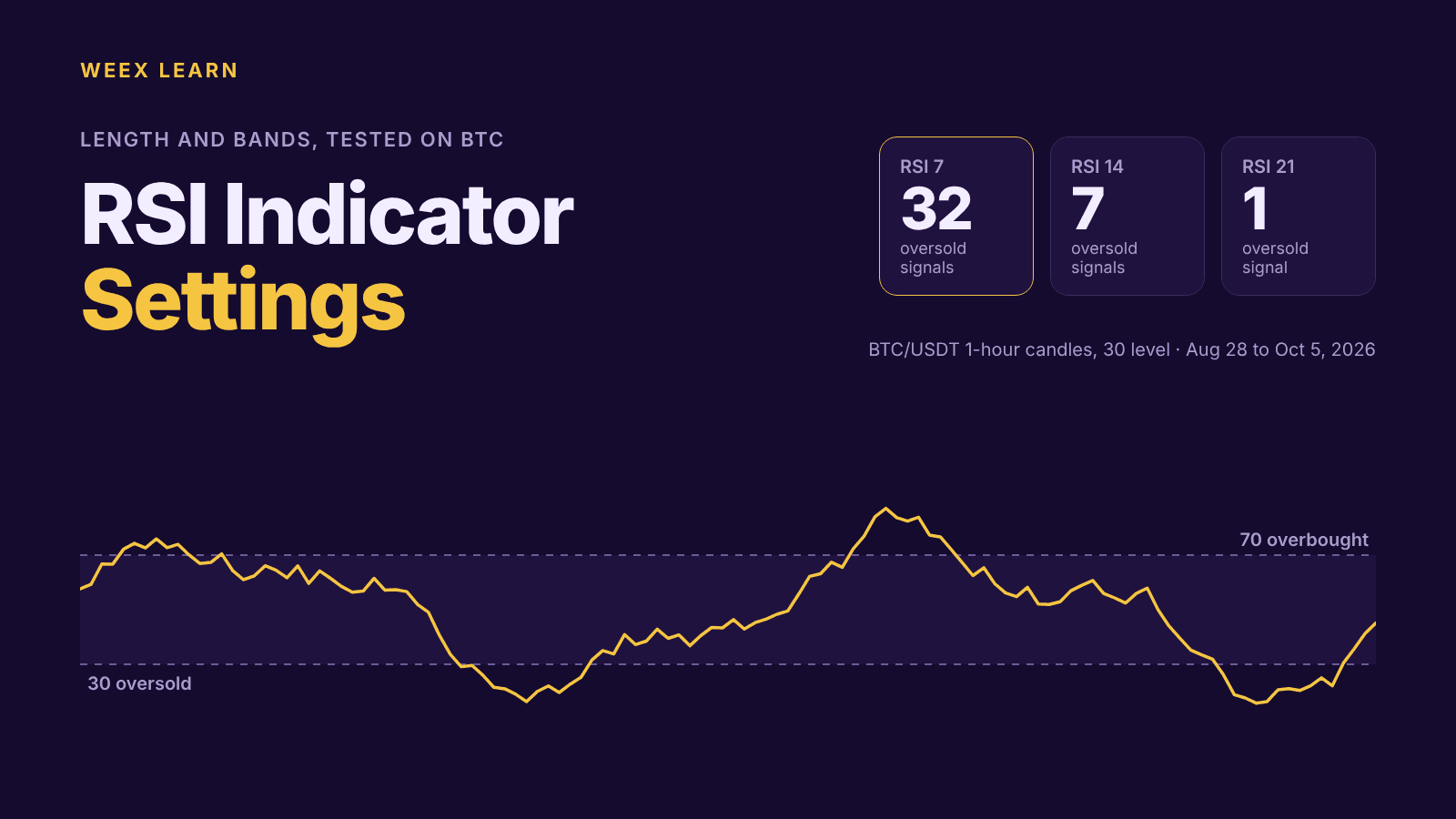
RSI Indicator Settings: What 7, 9, 14 and 21 Did on BTC Charts
Best Crypto Apps for Beginners: The Five Features That Actually Matter on Your Phone
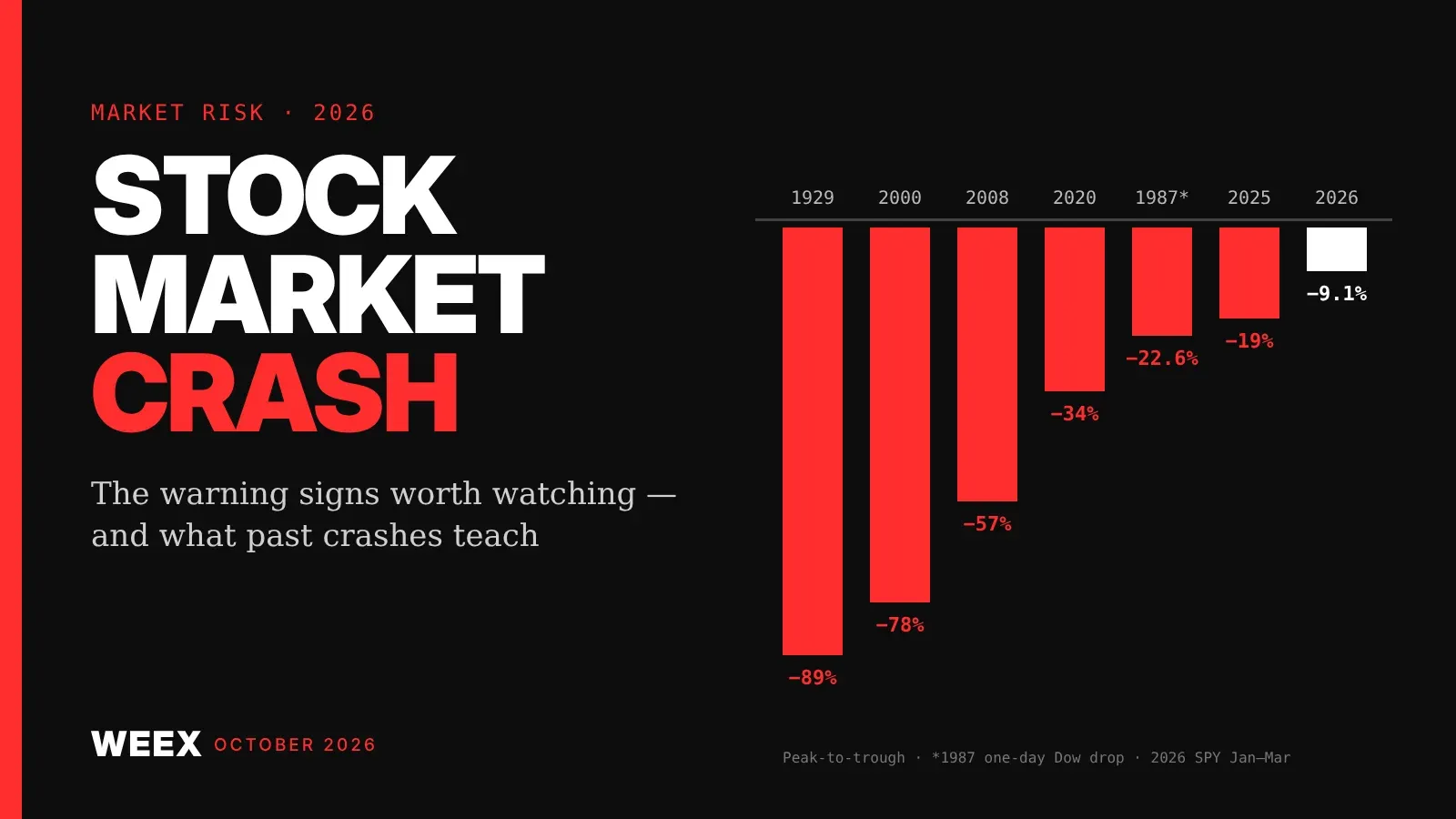
Stock Market Crash Risk in 2026: The Warning Signs Worth Watching
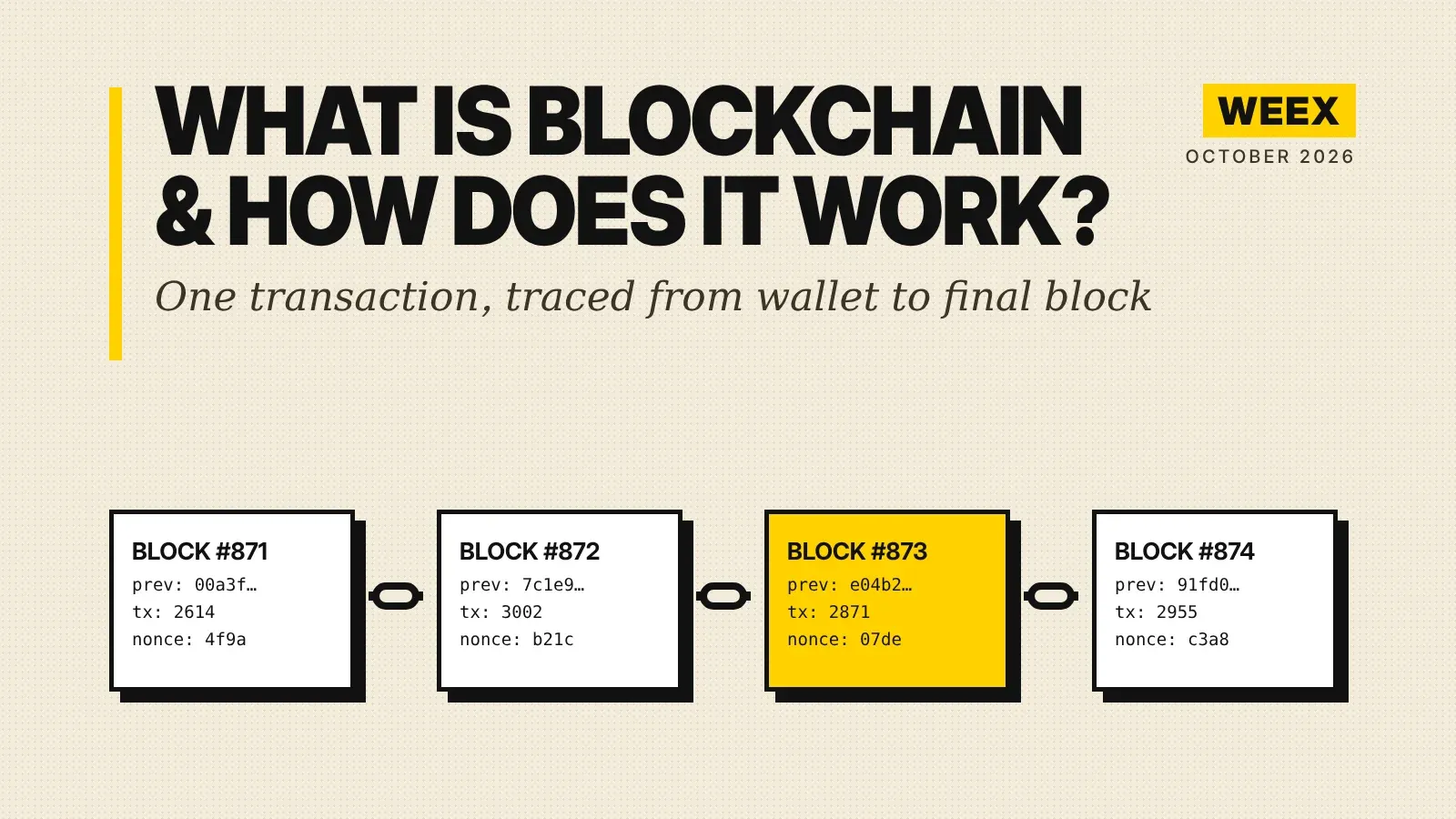
What Is Blockchain and How Does It Work? A Transaction Traced
How to Buy Crypto with PayPal: The Custody Catch Most Beginners Miss
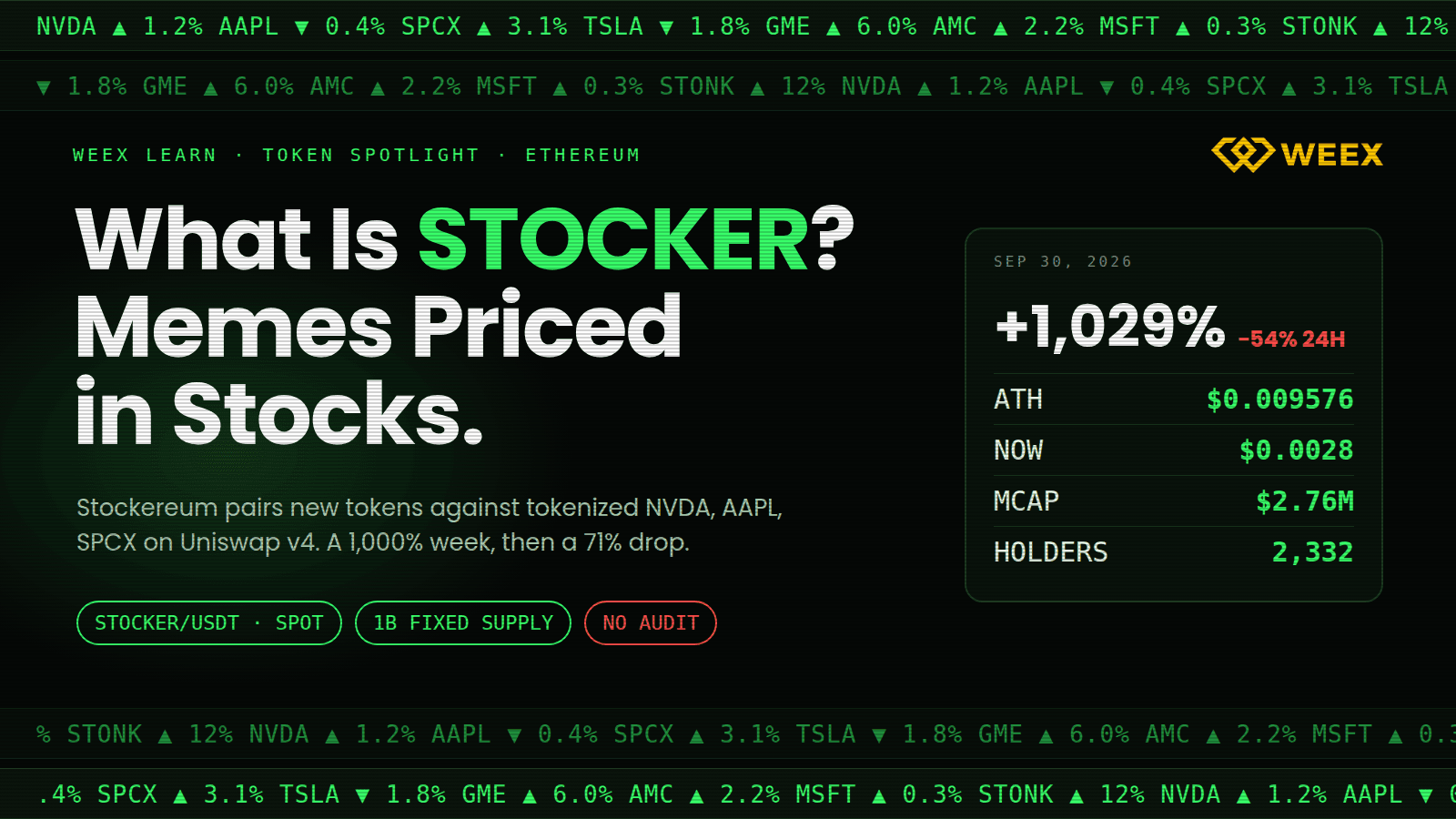
What Is STOCKER? Stockereum, Stock-Paired Meme Tokens, and Risks
XRP Upgrade Update: XRPL Batch Slips to Oct 9 and What Changes

What Is Coinbase Wrapped HYPE (cbHYPE)? How It Works on Base, 1:1 Backing, Risks, and HYPE Conversion
Is QNT a Stock or Crypto? Quant (QNT) and Quantinuum Stock Are Not the Same Asset
No KYC Crypto Wallet: 6 Picks and 5 Places Your ID Still Leaks
What Is Quant (QNT) Crypto? How Overledger Works, QNT Utility, and Token Supply Explained
Best Decentralized Crypto Wallet for Beginners: What Self-Custody Really Asks of You
Does a Negative Funding Rate Mean a Short Squeeze Is Coming?

Best Crypto Exchange for Beginners 2026: What Actually Matters When Choosing One
WEEX Convert Guide: How to Swap Crypto on Web and App and What the Quote Really Means
Best Crypto Platform for Beginners: Pick by Goal, Not Brand
Best Crypto Broker for Beginners: What to Check in Fees, Regulation, Security and Support Before You Deposit
Best Crypto Wallet for Beginners 2025: Pick by What You Will Do
Crypto Funding Rate: Who Pays, What It Costs, What It Signals
How to Use an APR Boost on WEEX Auto Earn Without Wasting It


