
Limit Sell Order: How to Set a Take-Profit Price in Crypto

 Prefer us on Google
A limit sell order is an instruction to sell an asset only at a price you choose or higher. It is the standard way to take profit at a target without watching the chart: you set the price, the order waits in the order book, and it fills if buyers reach your level.
The key detail is that a limit sell sets a floor, not a fixed price. If a buyer is willing to pay more at the moment your order matches, you get the better price. If no buyer reaches your level, you keep your coins.
This guide shows how a limit sell order works using ETH at $2,506.31, the ETH/USDT spot price on WEEX on October 14, 2026, then covers take-profit ladders, partial fills and the most common way traders accidentally sell too cheap.
How a Limit Sell Order Works
When you place a limit sell, the exchange compares your price with the best bid, the highest price any buyer is currently offering.
- Your price is above the best bid: the order joins the order book on the ask side and waits. It fills only when buyers bid up to your price.
- Your price is at or below the best bid: the order fills immediately against existing bids, at the best prices available, which can be higher than your limit.
That second case surprises people. A limit sell at $2,400 when ETH trades at $2,506 does not wait for $2,400. It sells right away near $2,506, because there are buyers above your floor.
Limit Sell Order Example With ETH
Say you hold 2 ETH bought at $2,300. On October 14, 2026, ETH trades at $2,506.31, with a 24-hour range of $2,475.08 to $2,539.
A single take-profit target. You decide $2,650 is a fair exit. You place a limit sell for 2 ETH at $2,650. If ETH rallies to $2,650, you sell for about $5,300 before fees, a gain of roughly $700 on your cost. If ETH tops out at $2,640 and turns lower, nothing sells and you still hold 2 ETH.
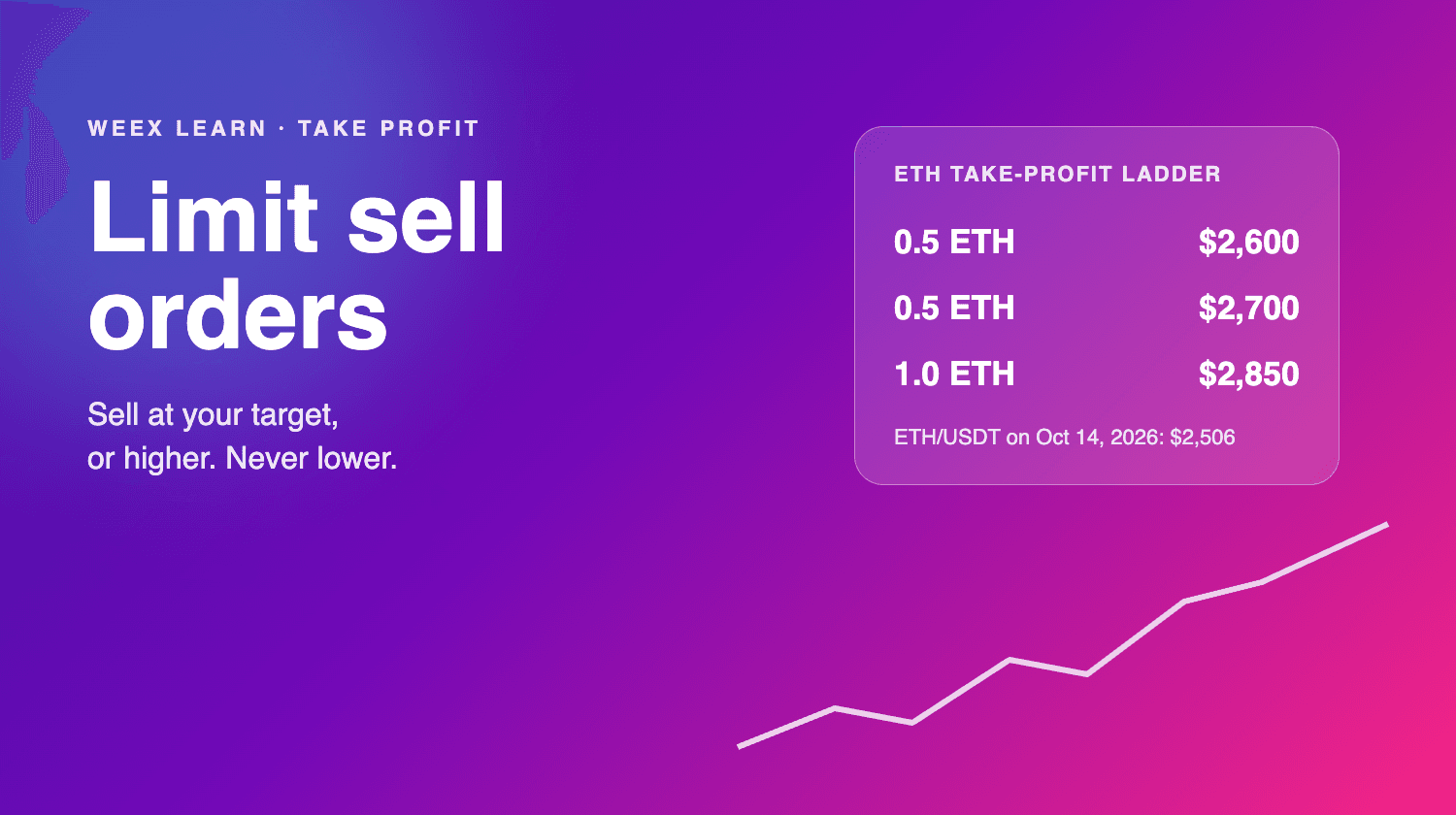
A take-profit ladder. Instead of one target, you split the position:
- 0.5 ETH at $2,600
- 0.5 ETH at $2,700
- 1 ETH at $2,850
If ETH reaches $2,700 and then fades, you have sold 1 ETH at an average of $2,650 and still hold 1 ETH for a bigger move. A ladder trades a slightly lower best-case result for a much better chance of locking in some profit. Most experienced traders prefer it to an all-or-nothing target.
Limit Sell vs Stop Limit Sell vs Market Sell
These three orders are often confused, and they do different jobs:
- Limit sell: sits in the book above the market and sells on the way up. It is a take-profit tool.
- Stop limit sell: stays hidden until the price falls to a trigger level, then places a limit sell. It is a protection tool for the way down, and it can fail to fill in a fast drop. Our stop limit order guide covers that risk in detail.
- Market sell: sells immediately at the best available bids. It guarantees an exit but not the price.
A common setup combines the first two: a limit sell above the market to take profit and a stop below the market to cap the loss.
-- Price
Mistakes That Make a Limit Sell Go Wrong
Typing a price below the market. Entering $2,056 instead of $2,560 does not create a patient order. It sells immediately at the best bids, which on a deep market like ETH is close to the current price, but on a thin altcoin can walk down several levels of bids.
Setting the target on an obvious round number. Sell orders tend to cluster at $2,700 or $3,000, and price often stalls just below them. A target of $2,690 can fill when $2,700 does not.
Forgetting about partial fills. If only part of your order matches before the price turns, the rest stays open. Check the filled amount and decide whether to keep or cancel the remainder.
Leaving orders open after your plan changes. A limit sell is good until canceled on most crypto exchanges. If your view changes, cancel the order rather than letting an old target sell a position you now want to hold.
How to Place a Limit Sell Order on WEEX
- Open the ETH/USDT spot market.
- In the order panel, choose Sell and select the Limit tab.
- Enter your target price in USDT. For a take-profit order it should be above the current price.
- Enter the amount of ETH to sell and check the total in USDT.
- Confirm, then track or cancel the order under your open orders.
For a ladder, repeat the steps with different prices and amounts. For a full overview of order types, see Understanding Order Types on WEEX Exchange.
A limit sell order is the simplest way to turn a price target into a real exit. Set it above the market, consider splitting it into a ladder, avoid crowded round numbers, and review open orders whenever your plan changes.
FAQ
1. What is a limit sell order?
It is an order to sell an asset only at a set price or higher. It waits in the order book until buyers reach your price.
2. What happens if I set a limit sell below the current price?
It fills immediately against existing bids, usually near the current market price, and it does not wait for your lower price.
3. Can a limit sell order be used as a stop loss?
Not on its own. A limit sell above the market takes profit. To protect against a drop, use a stop market or stop limit order that triggers below the current price.
4. Do limit sell orders expire?
On most crypto exchanges they stay open until they fill or you cancel them. Check your open orders regularly.
This content is provided for general informational purposes only and doesn't constitute financial, investment, legal, or tax advice. Any events, rewards, online promotions, or related information mentioned herein should not be considered a recommendation, solicitation, or invitation to purchase, sell, trade, or otherwise deal in any crypto assets. Crypto assets are highly volatile and may result in loss. The availability of WEEX services, products, and related events may vary by region. You are responsible for ensuring that your participation is in accordance with applicable local laws and regulations.
You may also like

Best Crypto Podcasts for Beginners: A 4-Week Listening Plan

What Is Plume (PLUME)? Why the RWA Token Stays 93% Below Its High Even After the Layer 2 Rally
ETH Futures: Why Ether Is Falling Faster Than Bitcoin This Week
How to Buy Presale Crypto: Step by Step Guide for Beginners
Ethereum Glamsterdam Hits 200M Gas on Sepolia: What Changes After the Upgrade?
What Is Staking? 4 Myths to Clear Up Before You Stake Crypto
CAP Price Up 23%: Why Short Liquidations Don't Explain the Rally
Ethereum Glamsterdam Upgrade: Sepolia Date and ETH Price Impact
How to Earn Interest on USDT: What a 10% APR Really Pays in 2026
How to Buy Crypto With Apple Pay in 5 Steps: Why Your Bank May Decline the Payment
What Is Blockchain and How Does It Work? One Real Block Explained
Ethereum Glamsterdam Upgrade Countdown: Can ETH Price Break Out?
Anonymous Crypto Wallet: What Still Protects Your Privacy in 2026
How Tether Freezes USDT: Address Blacklists and Holder Checks
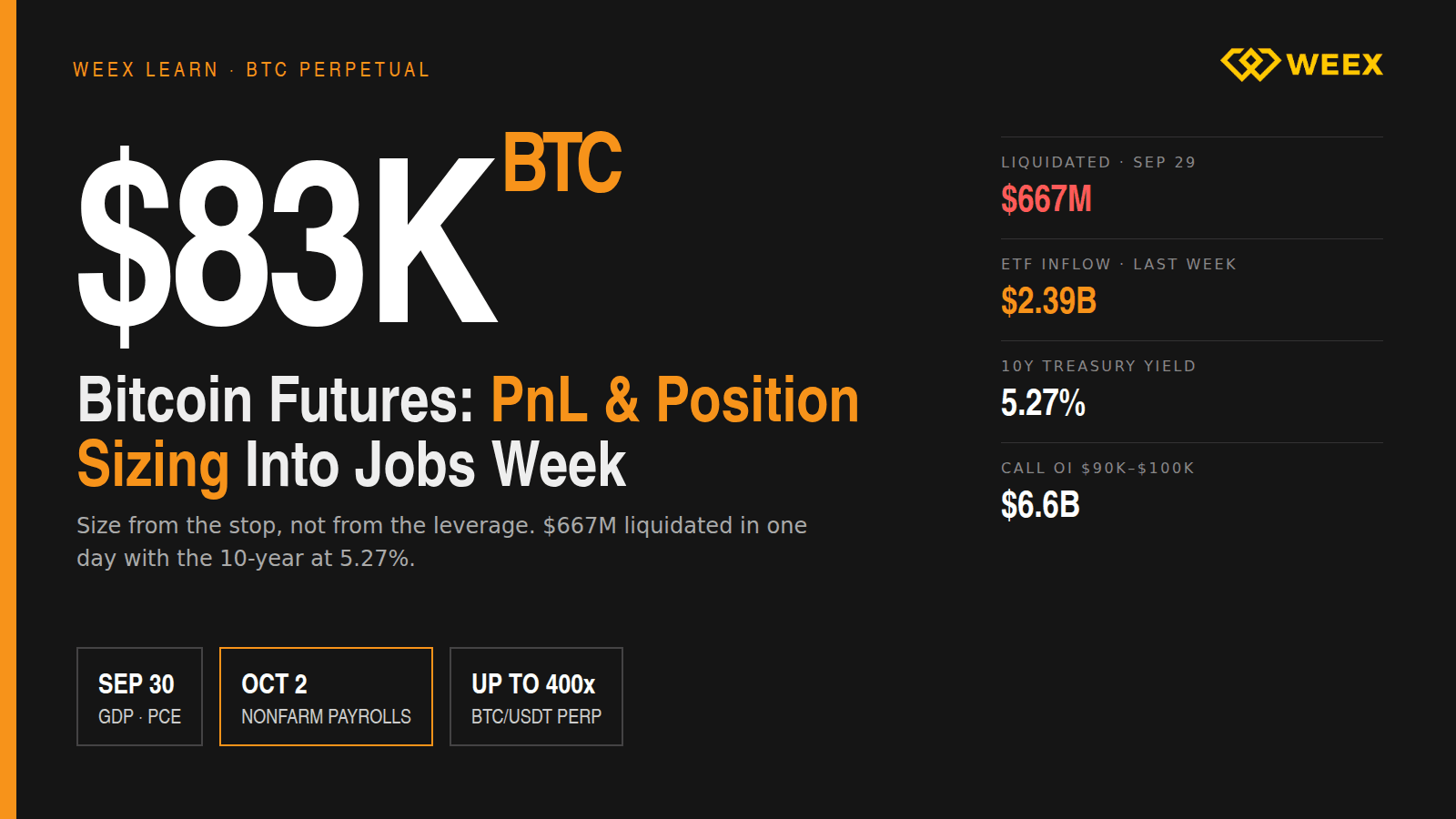
Bitcoin Futures at $83K: PnL and Position Sizing Into Jobs Week
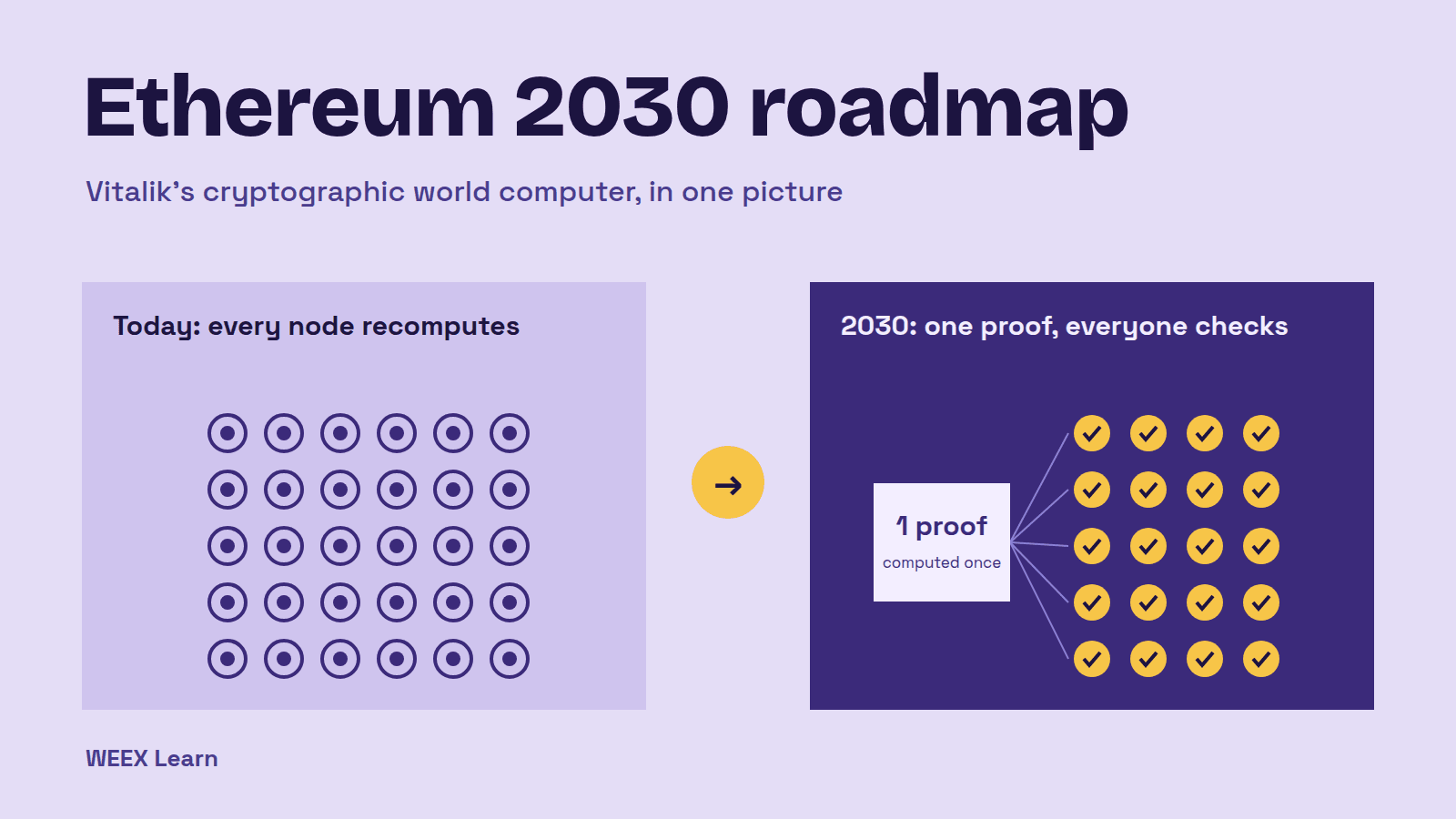
Ethereum 2030 Roadmap: Vitalik's Cryptographic World Computer

Common P2P Crypto Scams and How to Spot Them
How to Choose a P2P Crypto Merchant on WEEX
How to File a WEEX P2P Appeal: Evidence and Video Requirements
Is WEEX P2P Crypto Trading Safe? Risks and Checks Before You Trade
WEEX P2P Order Limits: Minimums, Maximums, and Available Ads
P2P Crypto Trading Fees: Spreads and Payment Costs Explained
P2P vs. Spot Trading: Which Does What?
P2P vs. OTC Crypto Trading: Key Differences Explained
Bitget Resumes Withdrawals in Phases: Schedule in Vietnam Time and What to Check

Bitget Phased Withdrawal Restart: Schedule (UTC+8) and Checks for Taiwan Users
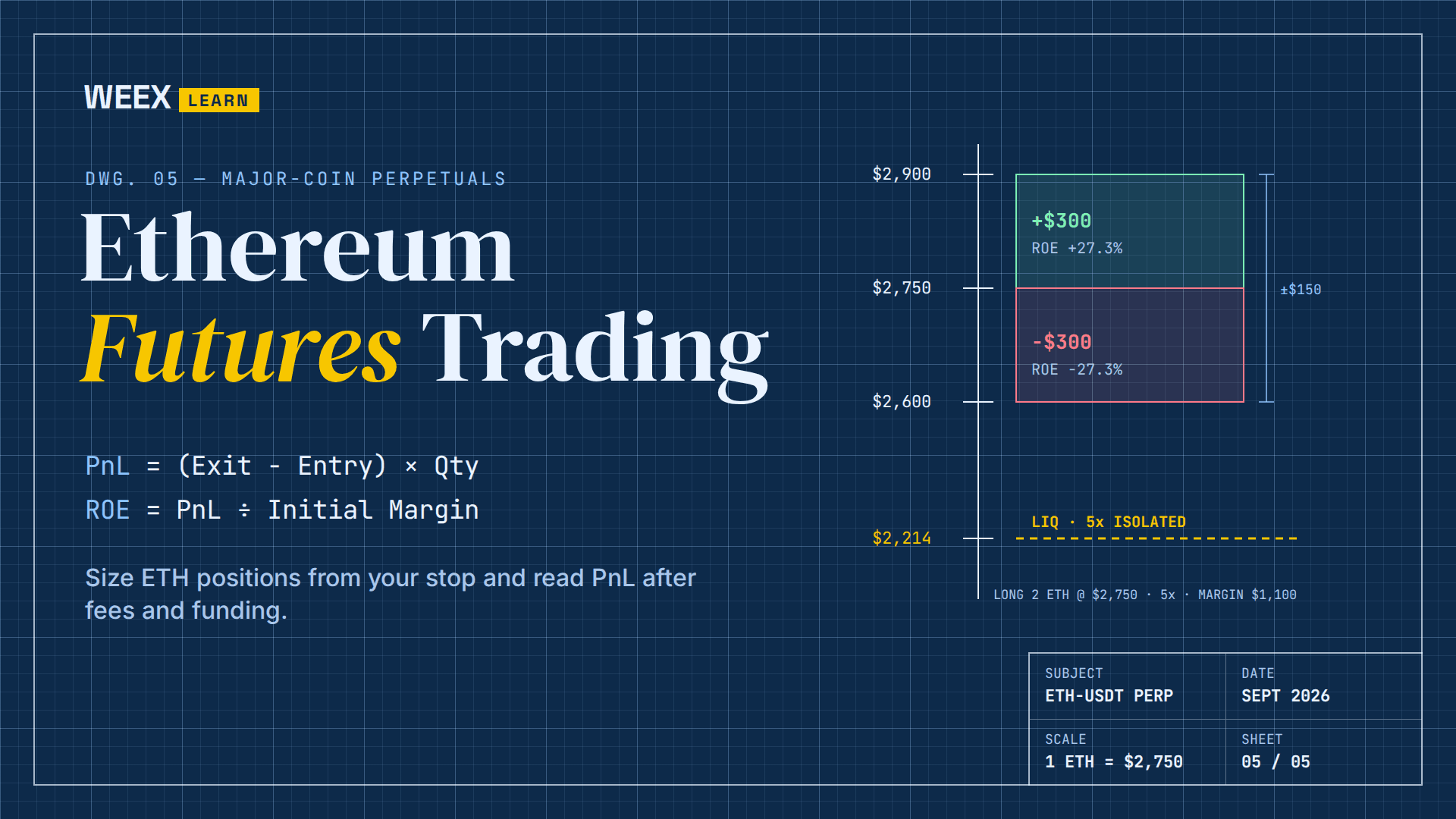
Ethereum Futures Trading: How to Size ETH Positions and Read PnL
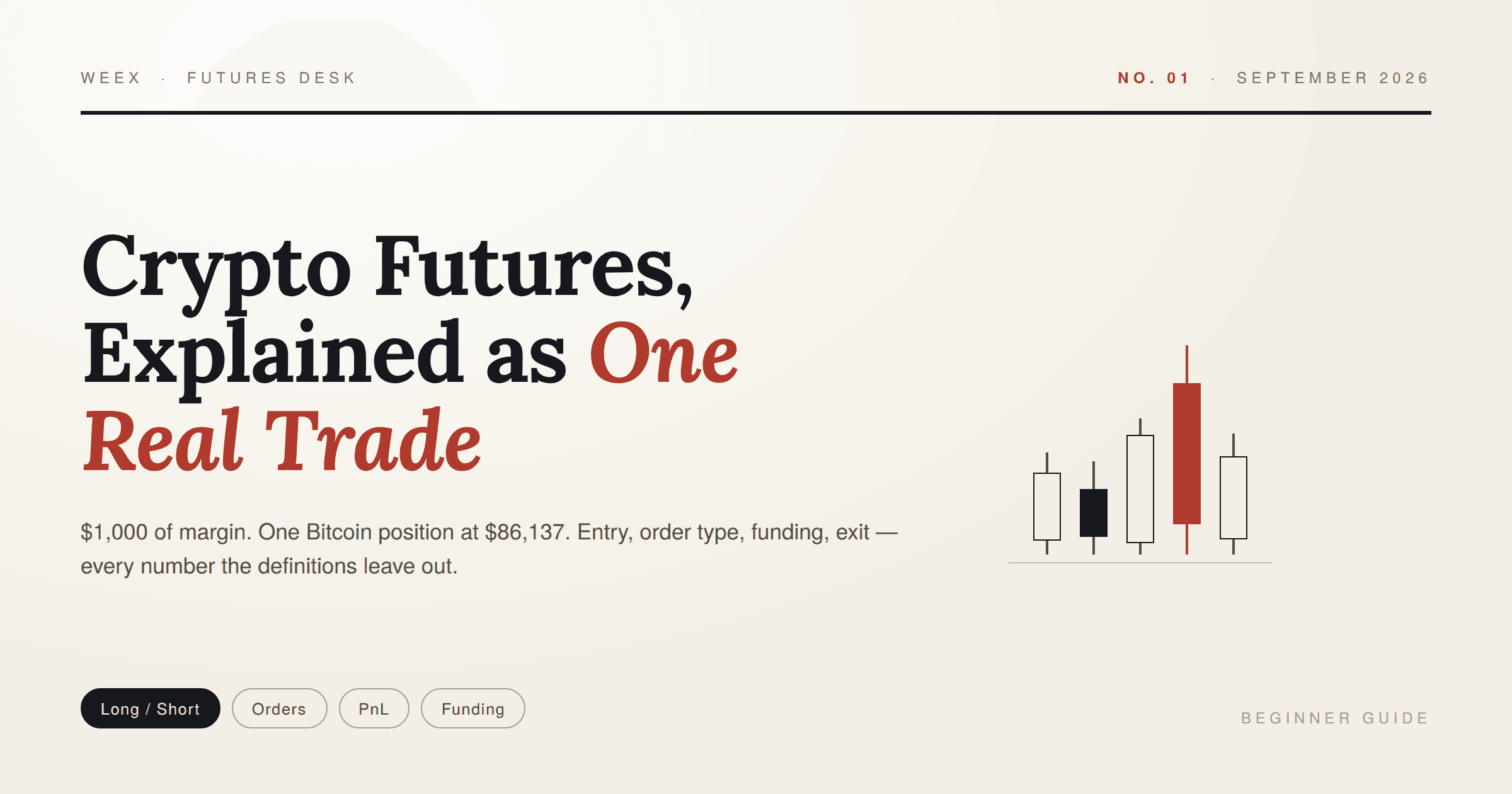
Crypto Futures Trading Explained: One Real Trade, Start to Exit
What Is Blockchain Used For? 2026 Uses, Ranked by Real Money

How to Buy USDT with EUR via SEPA Bank Transfer on WEEX
Best Crypto Podcasts for Beginners: A 4-Week Listening Plan
What Is Plume (PLUME)? Why the RWA Token Stays 93% Below Its High Even After the Layer 2 Rally
ETH Futures: Why Ether Is Falling Faster Than Bitcoin This Week
How to Buy Presale Crypto: Step by Step Guide for Beginners
Ethereum Glamsterdam Hits 200M Gas on Sepolia: What Changes After the Upgrade?
What Is Staking? 4 Myths to Clear Up Before You Stake Crypto




