
How to Use the WEEX Trust Center: Check Reserves, Protection Fund and Official Contacts

 Prefer us on Google


The WEEX Trust Center is a single page where you can check four things yourself: how much of each major asset WEEX holds against user balances, whether the 1,000 BTC Protection Fund is really on-chain, how WEEX approaches security, and whether a contact claiming to be WEEX is genuine. This WEEX Trust Center guide walks through each module with the actual numbers on the page as of October 2026, shows how to verify them without relying on WEEX's word, and points out what the figures can and cannot tell you.
Most "is this exchange safe" content stops at describing features. The more useful question is what you can confirm in a few minutes with a browser and a block explorer. On the WEEX Trust Center, three of the five modules lead to something checkable: reserve data you can download, a Bitcoin address you can look up, and a verifier that tells you whether a link or handle is official.
The page is organized as five entry points: Proof of Reserves, BTC Protection Fund, Security, Contact Verifier and FAQ. Below them sits a live reserve snapshot, the fund's wallet link, and a "Verify before you trust" section. Treat it as an evidence index rather than a marketing page, and work through it in the order below.
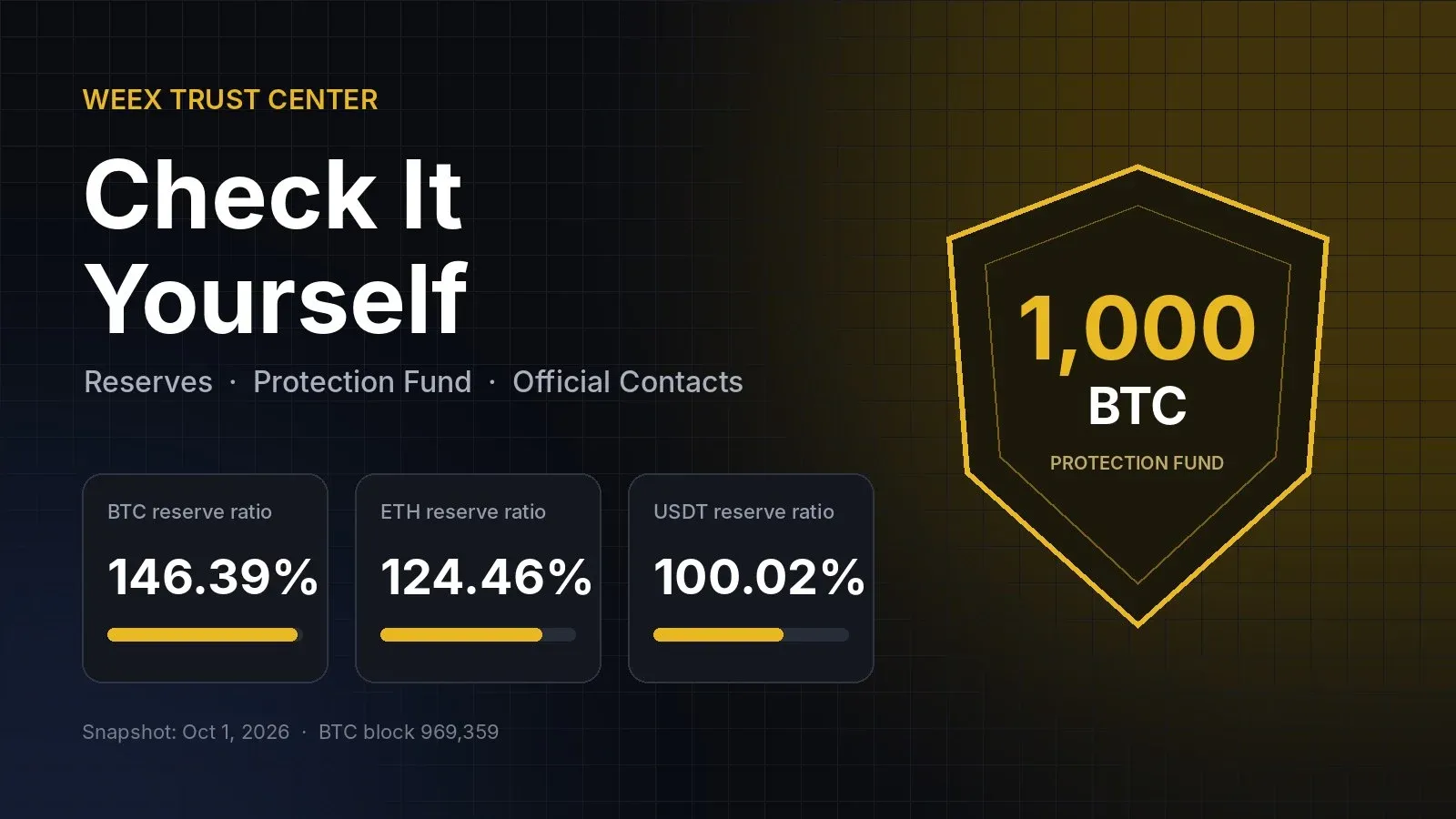
What the WEEX Trust Center Shows on One Page
Before reading any numbers, it helps to know what each module is for:
- Proof of Reserves: per-asset reserve ratios, user net holdings, WEEX net holdings, a snapshot timestamp and the Bitcoin block height at that moment. Each asset has a "Copy metadata" button for independent checking.
- BTC Protection Fund: a 1,000 BTC fund with a direct link to its public wallet on a block explorer.
- Security: a summary of the wallet and custody framework, data and privacy handling, and account-security guides.
- Contact Verifier: a lookup tool for websites, emails, phone numbers, Telegram IDs and social accounts.
- FAQ: short answers on how each of the above works.
The reserve and fund modules are where WEEX transparency is actually measurable, so start there.
How to Read the WEEX Reserve Snapshot
The reserve ratio on the WEEX Trust Center is platform reserves divided by user holdings. Anything at or above 100% means the exchange holds at least as much of that asset as its users are owed in that asset. The snapshot published on the page is dated October 1, 2026, 00:00:00, at Bitcoin block height 969,359:
- BTC: 146.39%. Users hold 78.778676 BTC net; WEEX holds 115.322201 BTC.
- ETH: 124.46%. Users hold 1,290.083899 ETH net; WEEX holds 1,605.660005 ETH.
- USDT: 100.02%. Users hold 101,029,799.70 USDT net; WEEX holds 101,048,652.62 USDT.
The detail worth noticing is how different these buffers are. BTC and ETH carry surplus coverage of roughly 46% and 24%. USDT, by far the largest liability in dollar terms, is covered almost exactly one-for-one, with a surplus of about 18,850 USDT on a book of more than 101 million. That is still full coverage, but it means the stablecoin side has very little slack, so it is the line to watch first when the next snapshot comes out.
The block height matters too. It pins the snapshot to a specific moment on the Bitcoin chain, which lets anyone compare the published WEEX holdings with the state of the chain at that block rather than at some vague "recent" time.
To go one step further, WEEX publishes a verification tool on GitHub. The workflow, in short:
- Install Java 11 or later on a machine with more than 4 GB of memory.
- Log in to your WEEX account and download your user balance data and the platform balance data for an asset such as BTC.
- Clone the repository, create a folder for that asset inside the project's resources folder, and save the copied metadata into a file named
metadata. - Place the downloaded files in that folder and run the program to check that your balance is included in the published total.
Few users will run this, and that is fine. The point is that the check exists and does not depend on trusting a screenshot. For a deeper explanation of how the ratios are built, the dedicated Proof of Reserves page covers the methodology.
How to Verify the 1,000 BTC Protection Fund On-Chain
The Protection Fund is the easiest WEEX security claim to test, because it is one public Bitcoin address. Click "Wallet 1" on the Trust Center and it opens the address bc1qeg5xn5plttr7w045apm92yx08c2swc6yw2vtj7 on a block explorer. You can also paste that address into any explorer you already use.
When we checked on October 21, 2026, the address held 1,001.00043827 BTC across five transactions. The small amount above 1,000 BTC is consistent with minor deposits rather than any withdrawal from the fund. If you check it later, the two things to look for are whether the balance is still at or above 1,000 BTC, and whether there are any large outgoing transactions since your last look.
A useful comparison: the fund's 1,000 BTC is roughly 12.7 times the 78.78 BTC that users held net on WEEX at the October 1 snapshot. That does not mean every loss is covered, but it does show the fund is large relative to the BTC side of the book.
Coverage has conditions. According to the Protection Fund page, the fund is meant for losses that happen through no fault of the user. Trading losses, fraud or abuse, transactions a user was tricked into authorizing, and cases with no external transfer are excluded, and incidents should be reported to support@weex.com within 30 days. Read those terms before treating the fund as insurance.
-- Price
How to Check an Official WEEX Contact Before You Reply
Impersonation is a bigger day-to-day risk for most users than exchange insolvency. Fake support accounts on Telegram, cloned login pages and "verification" emails are how accounts actually get drained. The Trust Center's "Verify before you trust" section leads to the WEEX Contact Verifier:
- Choose the contact type: website, email, phone number, Telegram ID or social account.
- Paste the exact handle, address or link you received.
- Click Verify and act only if it comes back as official.
Two rules cover most scams. WEEX staff will not contact you privately to ask for account details, passwords or verification codes, and they will not ask you to transfer funds anywhere. Published official channels include support@weex.com for support and VIP inquiries and bd@weex.com for quant trading and market-making. Anything else that reaches you first deserves a check.
What the WEEX Trust Center Does Not Prove
Being precise about limits is part of using the page well. A reserve snapshot shows assets against user balances at one moment; it does not show the company's other liabilities, and a monthly snapshot cannot show what happens between dates. The USDT figure in particular means coverage is tight, not generous. The Protection Fund is real and verifiable, but its payouts depend on its terms. And the Security module describes practices rather than publishing a third-party audit.
In practice, the strongest habit is repetition: check the reserve snapshot each time it updates, glance at the fund address once a month, and run every unexpected contact through the verifier. Used that way, the WEEX Trust Center turns "trust us" into a short routine you control. Start at the WEEX Trust Center and work through the modules in this order the next time you review where your funds sit.
FAQ
1. What is the WEEX Trust Center?
It is WEEX's public transparency hub, combining Proof of Reserves data, the 1,000 BTC Protection Fund, security information, an official contact verifier and an FAQ on one page.
2. Is WEEX fully backed according to its latest reserve snapshot?
As of the October 1, 2026 snapshot, BTC (146.39%), ETH (124.46%) and USDT (100.02%) were all at or above 100%, meaning WEEX held at least as much of each asset as users' net balances.
3. How do I verify the WEEX Protection Fund?
Open the fund's public Bitcoin address, bc1qeg5xn5plttr7w045apm92yx08c2swc6yw2vtj7, on any block explorer and confirm the balance. On October 21, 2026 it showed 1,001.00043827 BTC.
4. How can I tell if a WEEX support account is real?
Paste the handle, email, phone number or link into the WEEX Contact Verifier. Official staff never ask for passwords or codes, or ask you to send funds.
This content is provided for general informational purposes only and doesn't constitute financial, investment, legal, or tax advice. Any events, rewards, online promotions, or related information mentioned herein should not be considered a recommendation, solicitation, or invitation to purchase, sell, trade, or otherwise deal in any crypto assets. Crypto assets are highly volatile and may result in loss. The availability of WEEX services, products, and related events may vary by region. You are responsible for ensuring that your participation is in accordance with applicable local laws and regulations.
You may also like
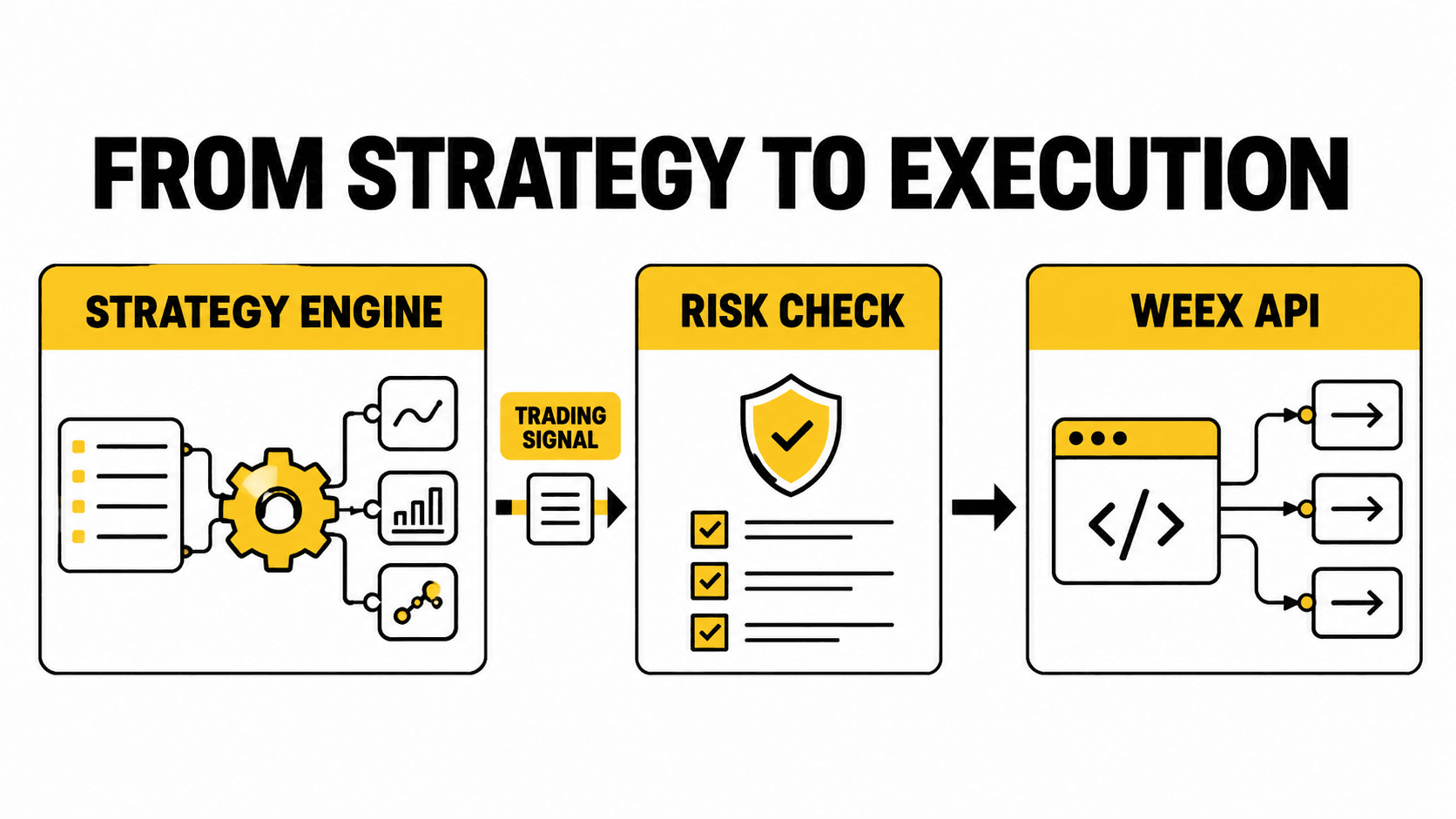
How Quant Trading Platforms and Bots Can Build With WEEX Broker
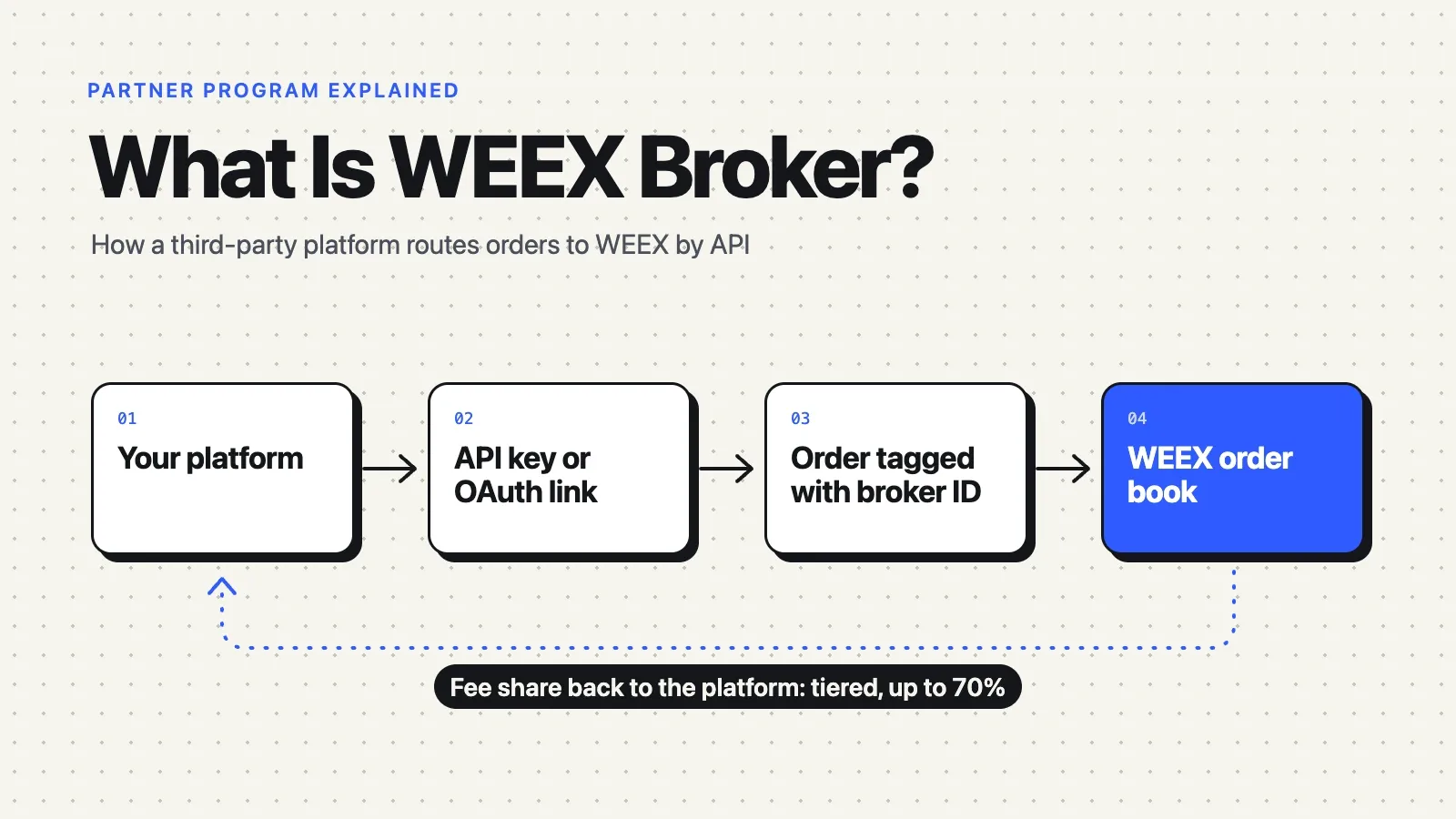
What Is WEEX Broker? API Program, Commissions and How It Works

Is RSI a Lagging Indicator? Yes in the Math, Not Always in Practice
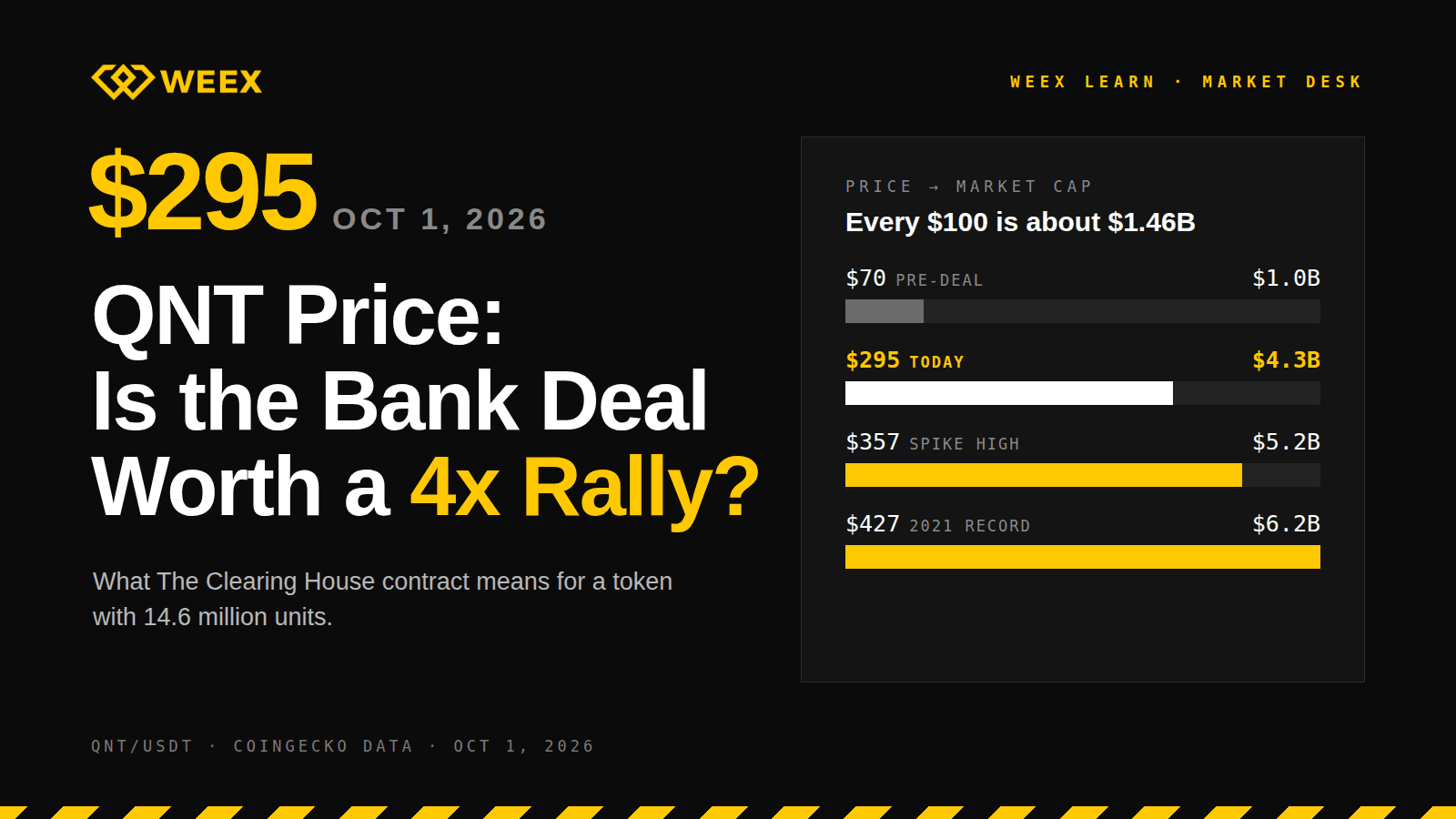
QNT Price Near $295: Does the Bank Deal Justify a 4x Rally?
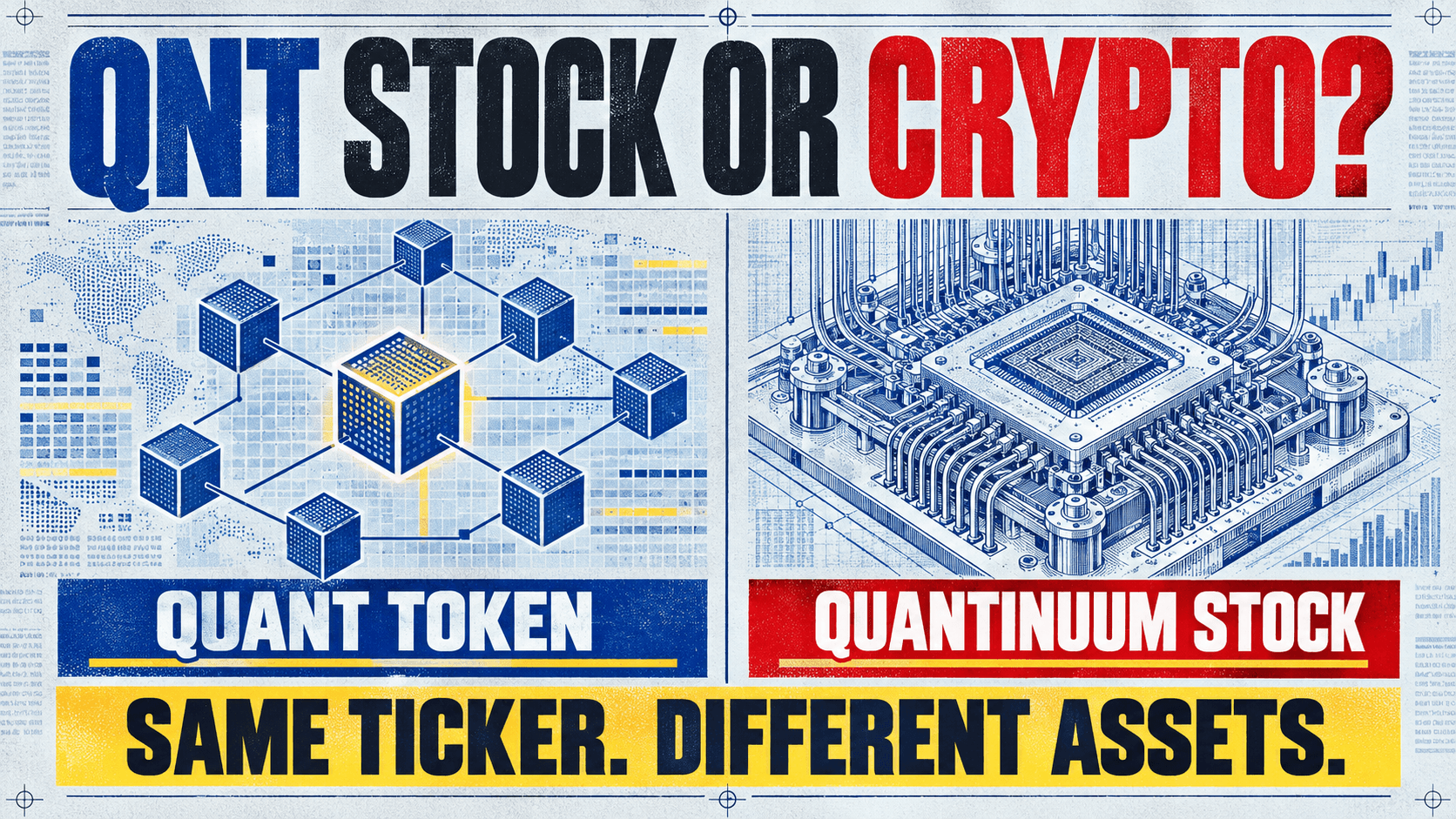
Is QNT a Stock or Crypto? Quant (QNT) and Quantinuum Stock Are Not the Same Asset
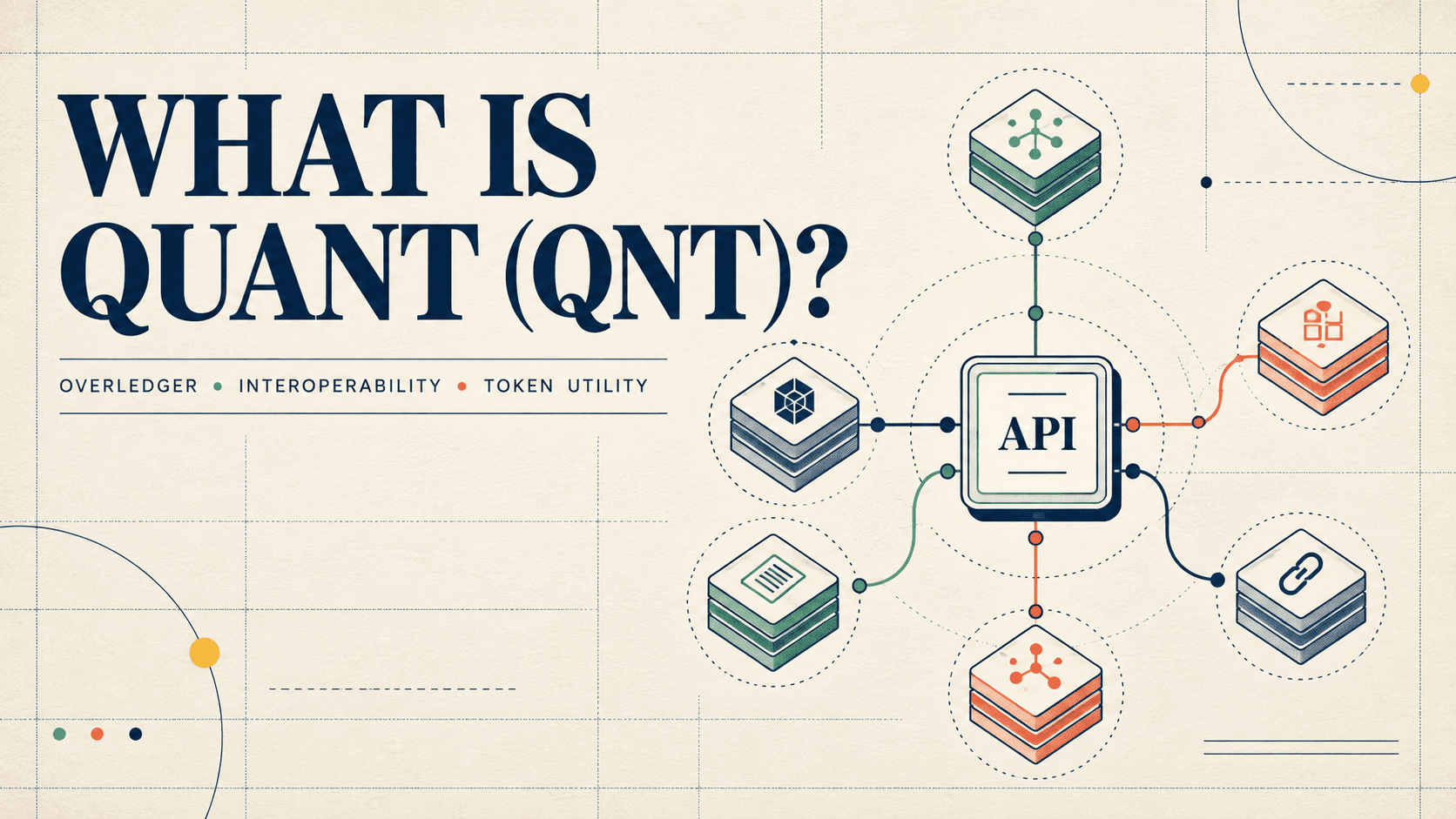
What Is Quant (QNT) Crypto? How Overledger Works, QNT Utility, and Token Supply Explained
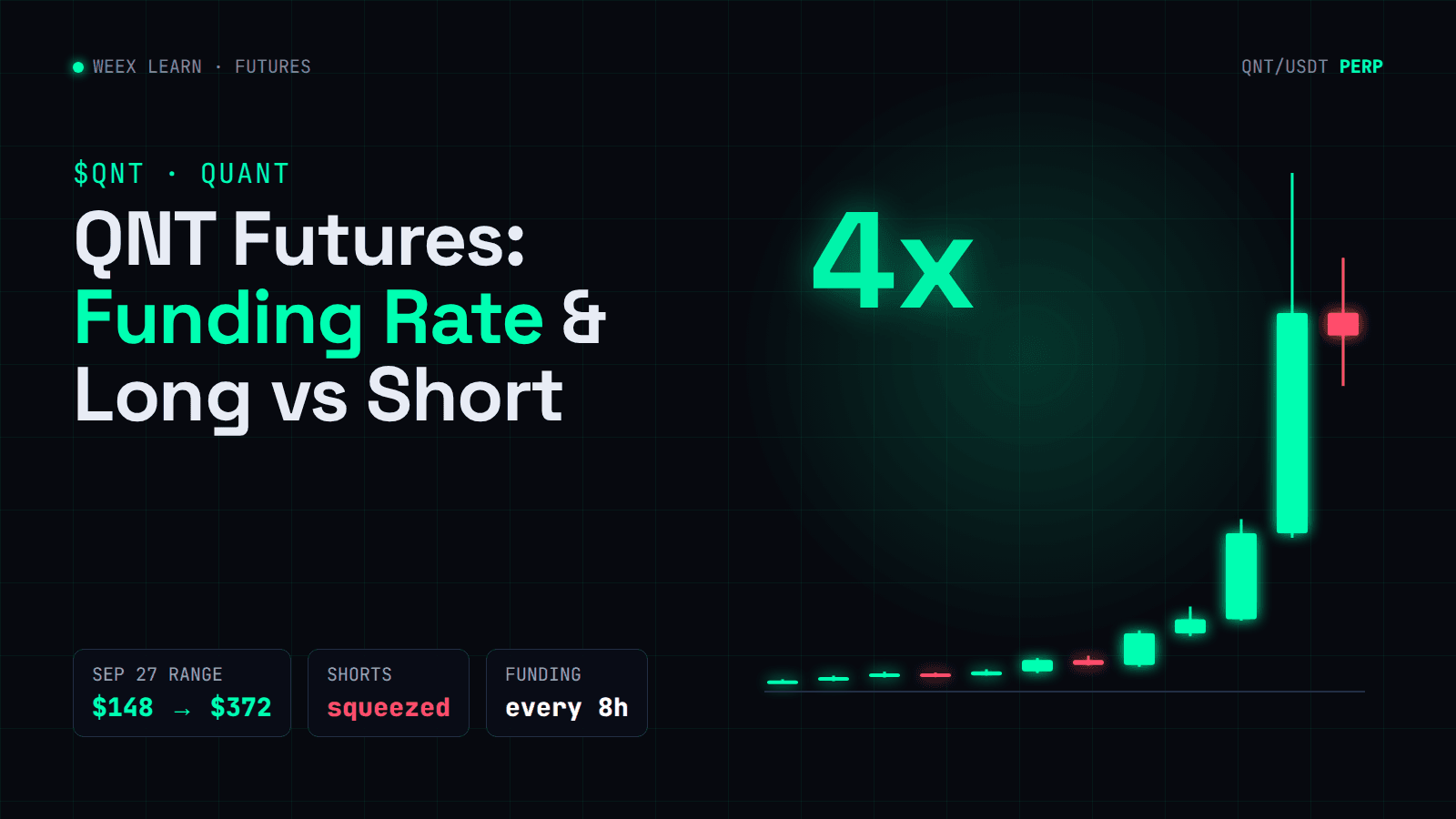
QNT Futures: Funding Rate and Long vs Short After a 4x Rally
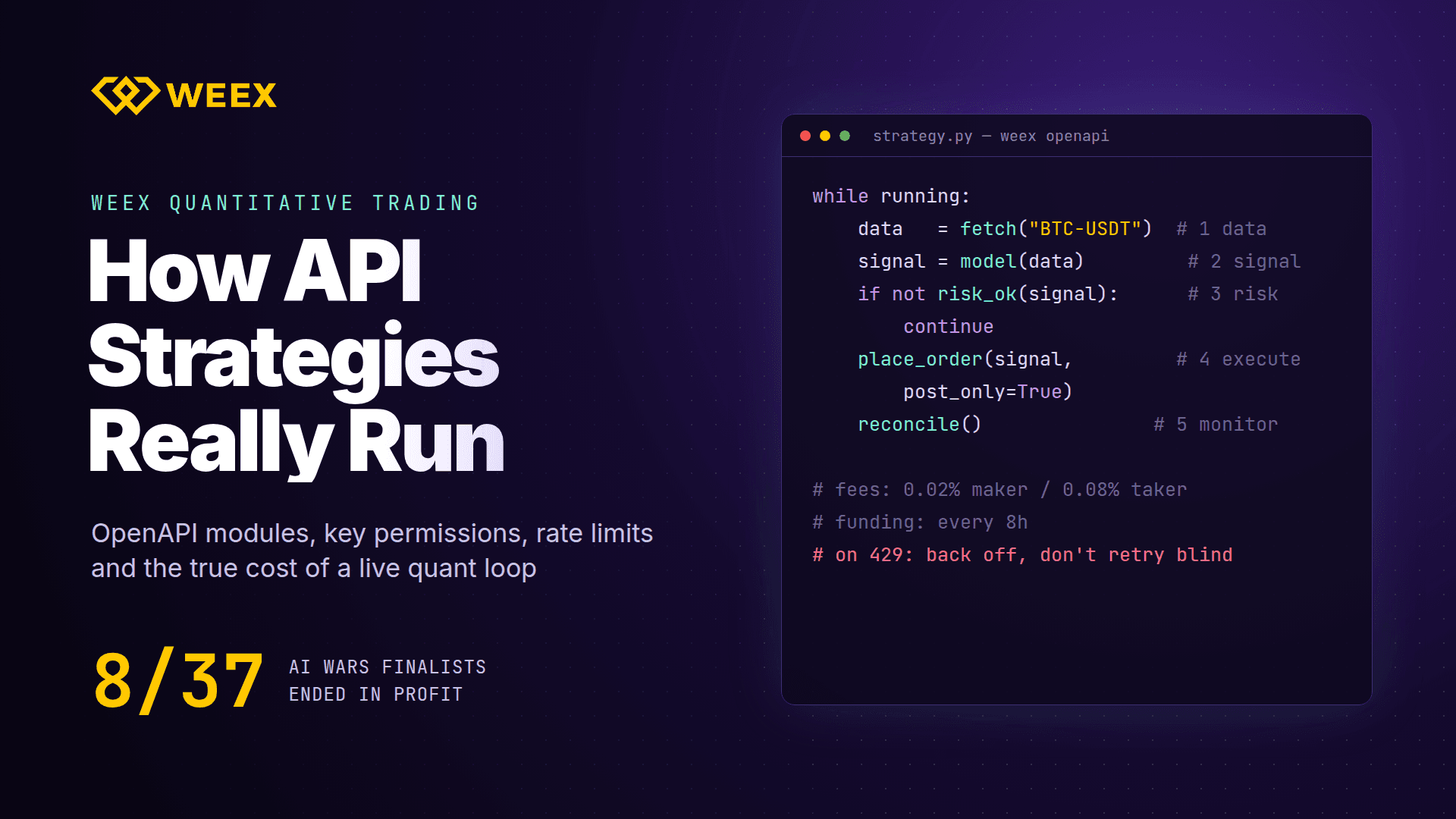
WEEX Quantitative Trading: How API Strategies Run in Practice
Crypto News API for AI Agents: What the WEEX Endpoints Return

What is Amato (AMATO) Coin? Amato (AMATO) Price Analysis

What is OASIS Coin? OASIS Price Analysis
What is AgentLISA (LISA) and How Does It Work?



How Quant Trading Platforms and Bots Can Build With WEEX Broker
What Is WEEX Broker? API Program, Commissions and How It Works
Is RSI a Lagging Indicator? Yes in the Math, Not Always in Practice
QNT Price Near $295: Does the Bank Deal Justify a 4x Rally?
Is QNT a Stock or Crypto? Quant (QNT) and Quantinuum Stock Are Not the Same Asset
What Is Quant (QNT) Crypto? How Overledger Works, QNT Utility, and Token Supply Explained





