
WEEX 2026 New User Guide: Register, Complete KYC, and Claim the Welcome Bonus (Step-by-Step)

 Prefer us on Google


To get started on WEEX in 2026, create an account with an email address or phone number, secure it, and check whether the service you want to use requires identity verification. If you need KYC, follow the ID Verification instructions on the website or app and wait for the review result. Then open the WEEX Welcome Rewards page to see which new-user tasks your account is eligible for and how to claim each reward.
The most useful way to approach onboarding is to treat registration, KYC, and welcome rewards as three separate steps. An account can be created before a KYC review finishes, and a promotional reward may require more than registration. Checking each requirement on its own page prevents a new user from mistaking a displayed reward total for money already credited to their account.
Quick Summary
- Register through the official WEEX website or app using an accessible email address or phone number.
- Set up account security and check the verification requirements for the service you intend to use.
- If KYC is required, submit the requested document and complete the liveness check.
- Review the Welcome Rewards tasks, eligibility rules, reward types, and claim status while logged in.
How Do You Register a WEEX Account in 2026?
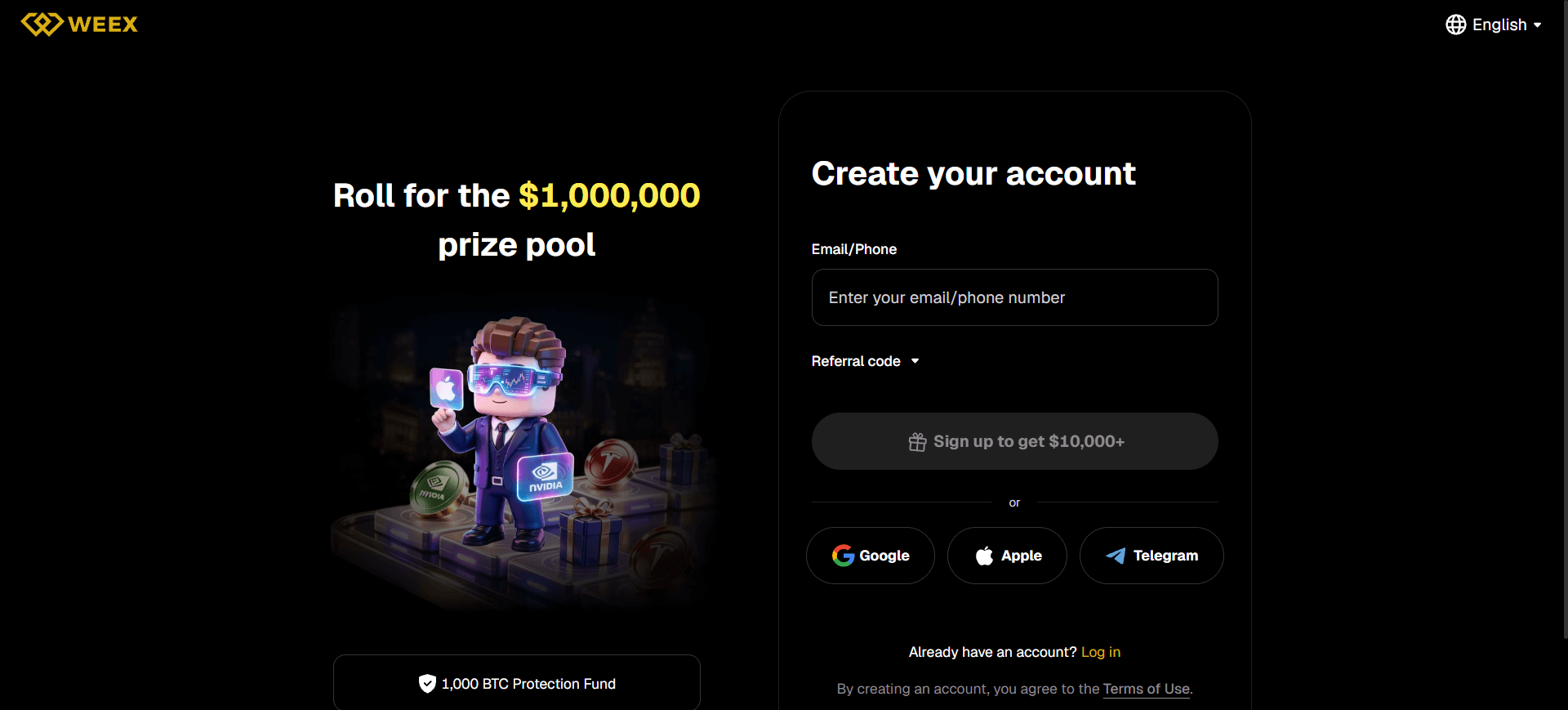
You can begin from the official WEEX website. WEEX’s account registration guide confirms that registration supports an email address or phone number and requires a verification code sent to the contact method you provide.
- Open the registration flow. On the WEEX homepage, select Log In/Sign Up, then choose Sign up or Sign up now. You can also start from the sign-up entry on the Welcome Rewards page.
- Choose email or phone registration. Use a contact method you can access reliably. You will need it to receive the registration code and may need it again for account security checks.
- Enter the requested information. Follow the fields shown on the current registration screen. If a password or other account details are requested, use unique credentials and review the applicable terms before submitting.
- Enter the verification code. Check the email inbox or phone number you provided, enter the code on WEEX, and complete the on-screen registration flow.
- Sign in and review your account. Once registration succeeds, check that you can access your account menu, security settings, and the products available to you.
WEEX’s account guide says the platform allows one account per user, with each valid ID number usable for one account. If you already have an account, recover access to it rather than creating another with the same identity information.
If a code does not arrive, first confirm the email address or country code and phone number you entered. Check your spam folder if you registered by email, and use the resend option according to the timer shown on the page. Do not share a registration or login code with anyone who contacts you.
What Should You Set Up Immediately After Registration?
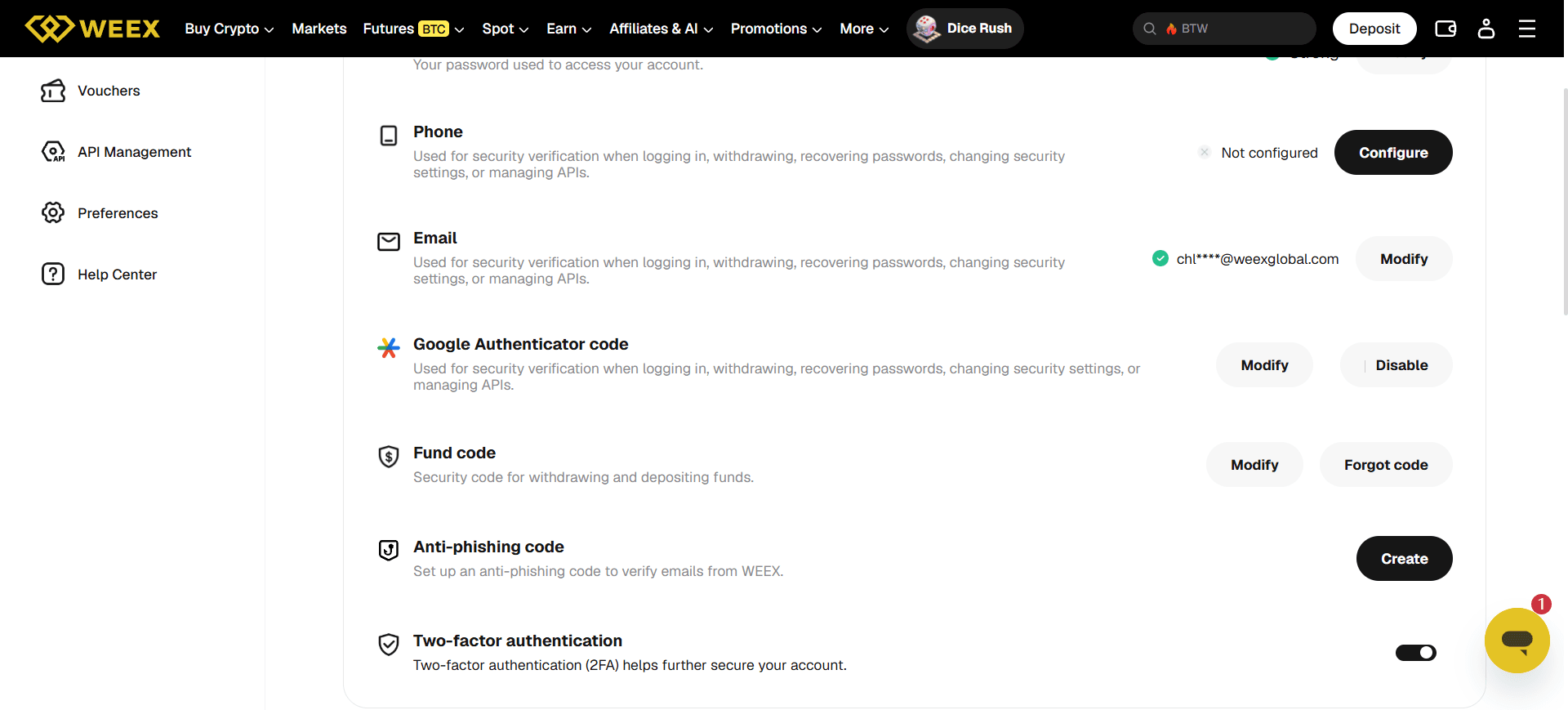
Before depositing funds or joining a promotion, open the WEEX Security settings. The current settings page lists controls including the login password, Google Authenticator code, passkey, and anti-phishing code. Available prompts can depend on your account state, so follow the controls displayed after you sign in.
Start with a unique password and an additional authentication method. If you enable an authenticator, store its recovery information securely and never send authentication codes to another person. You can also set an anti-phishing code to help identify emails issued by WEEX. The WEEX account security guide gives a fuller explanation of these settings and other account controls.
Use the official site or the app reached through WEEX’s download page. If a message directs you to a different website or asks you to share a code, check the contact through WEEX Official Verification before acting.
Account security and KYC solve different problems. Security settings help protect access to an account; KYC confirms identity where WEEX requires it for a product, activity, or account circumstance. Completing one does not replace the other.
Do You Have to Complete WEEX KYC After Signing Up?
KYC is required for certain WEEX products and account circumstances, but the applicable requirement is not identical for every user or service. It may depend on the product, account, asset, region, and applicable rules. For example, WEEX states that users must complete identity verification to use P2P trading. Check the requirements displayed for the specific service or promotion you intend to use rather than assuming that account creation automatically gives access to everything.
For the full distinction, read Does WEEX Require KYC? and the WEEX KYC Verification Rules. A Welcome Rewards task may also display its own eligibility requirements. Follow those requirements before making a deposit or trade for the purpose of completing the task.
KYC helps WEEX verify identity and meet its account and compliance requirements. It does not, by itself, promise a particular withdrawal limit, guarantee eligibility for every promotion, or mean that all account features become available at once.
| Stage | What It Means | What to Check Next |
|---|---|---|
| Account registered | Your sign-up information and registration code have been accepted. | Secure the account and review the product you want to use. |
| KYC requested or submitted | You are following the identity checks shown for your account. | Check document quality and the review status. |
| KYC approved | The submitted verification has passed the applicable review. | Check the product’s access rules and each campaign’s separate eligibility conditions. |
| Reward task completed | The event page recognizes that you met a task’s conditions. | Check whether the reward must be claimed and where it appears. |
This distinction matters because a pending identity review and an unfinished campaign task are different issues. If a reward has not appeared, check both statuses before submitting a support request.
-- Price
How Do You Complete WEEX KYC on the Website?
WEEX’s current web KYC walkthrough uses Sumsub for the identity-verification flow. Prepare a valid identity document accepted by the on-screen process and use a device with a working camera.
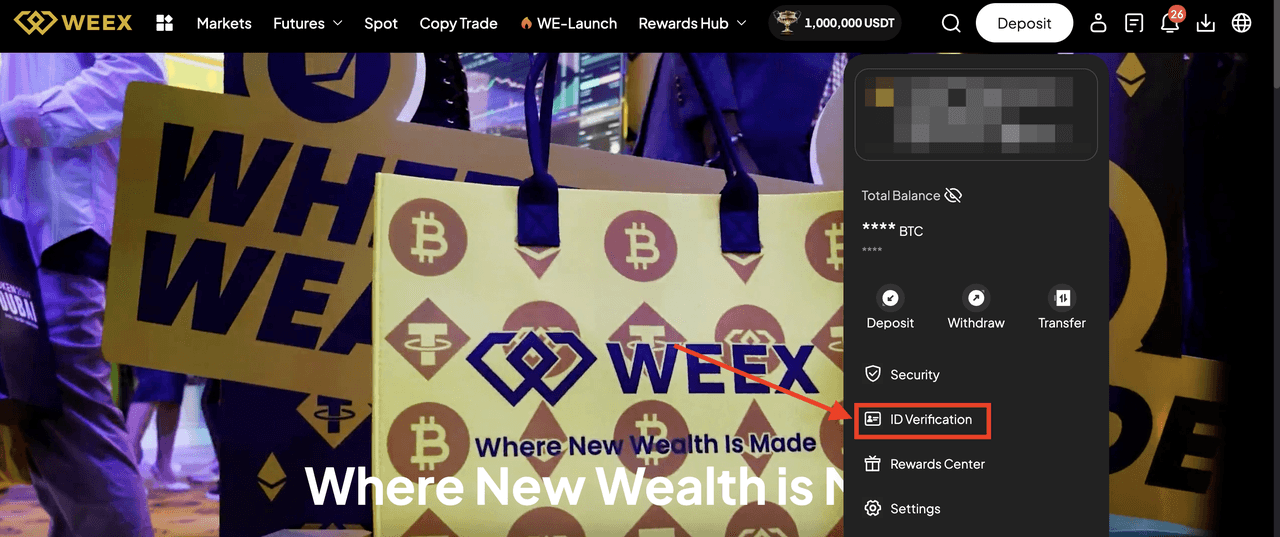
- Log in to WEEX. Start from the official website and open ID Verification in your account area.
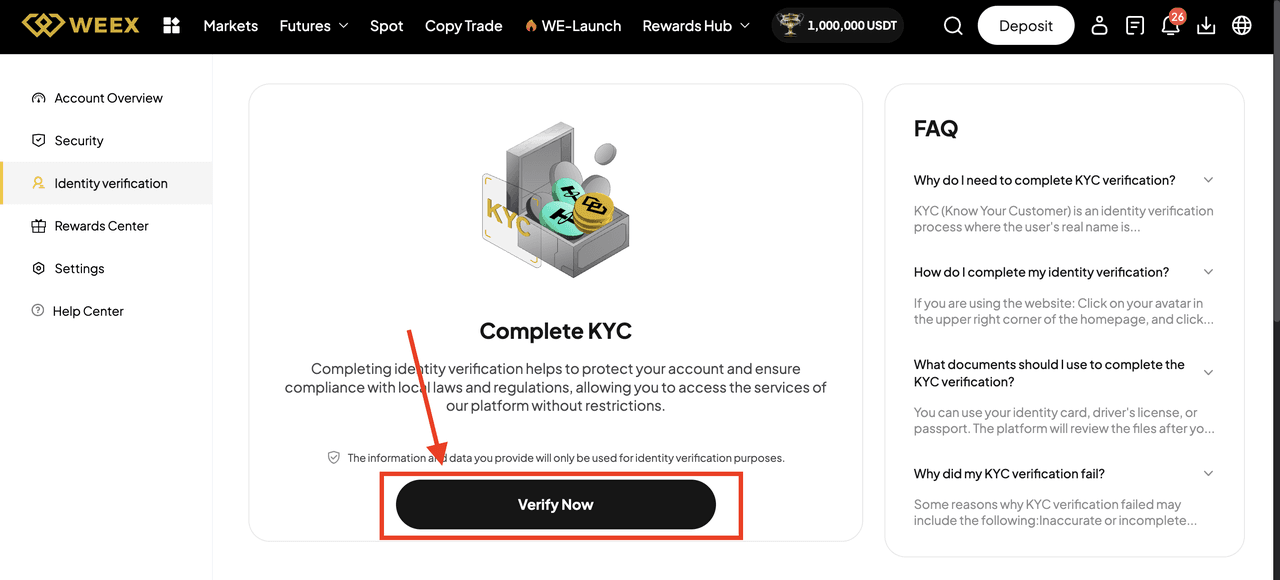
- Select Verify Now. Read the instructions presented for your account and continue when you are ready to submit your information.
- Choose the issuing country or region and document type. Select the options that match the document you will actually upload. Follow any additional country or region prompt shown during the process.
- Upload the requested identity document. Make sure the entire document is visible and the image is clear. Follow the instructions on the verification screen for the required sides or images.
- Complete the liveness check. Allow camera access when prompted and follow the on-screen movements or positioning instructions.
- Submit and check the review status. Once the document and liveness steps are complete, wait for the result shown in your account. WEEX states that manual review is generally completed within three working days; that is a review guideline, not a promise that every application will be approved or finished sooner.
Use the original web KYC guide if you need a screenshot for each screen. The exact prompts you see in your own account take precedence over an older screenshot.
Step 1: Visit the official WEEX website and click “Log In.”

Step 2: After logging in, click on “ID Verification.”
Step 3: Click on “Verify Now.”
Step 4: Click “Continue.”
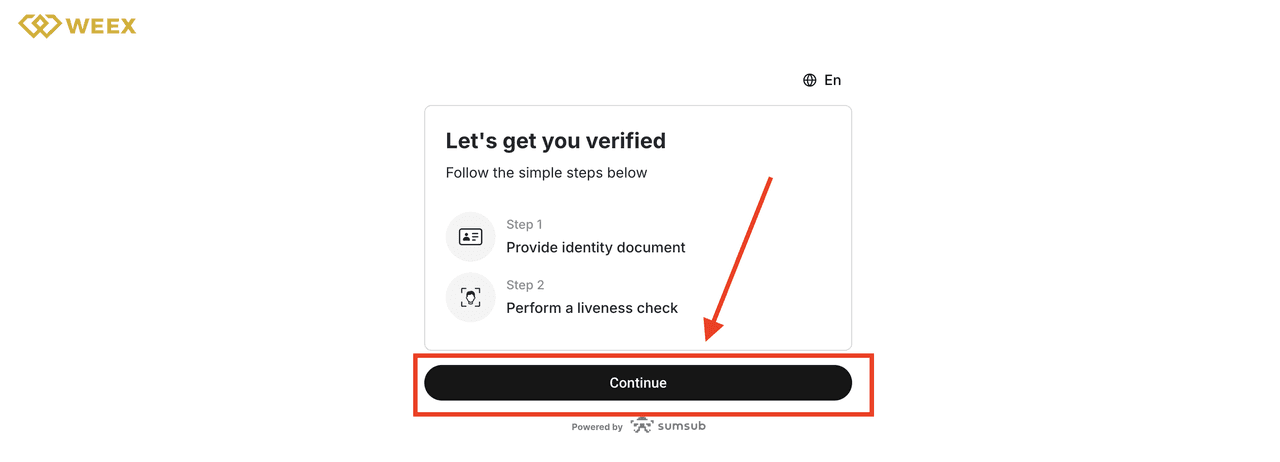
Step 5: Select the “Issuing country/region” and “Document Type” of your identity document, then click “Continue.”
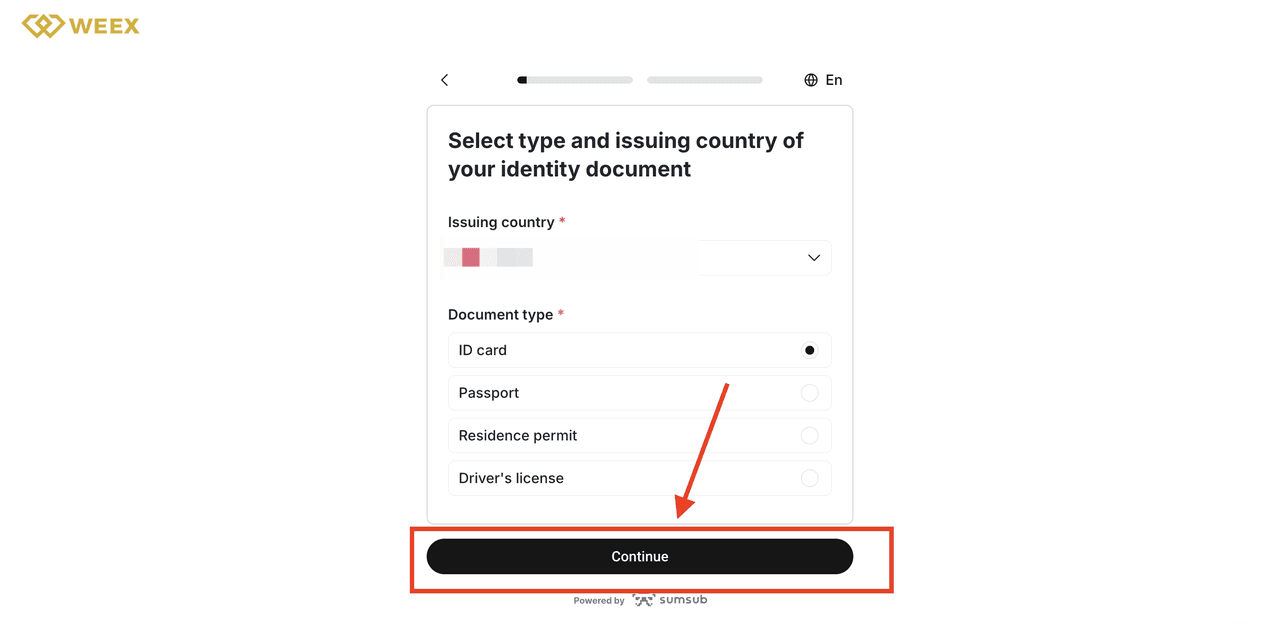
Step 6: Click “Continue” after you upload your document.
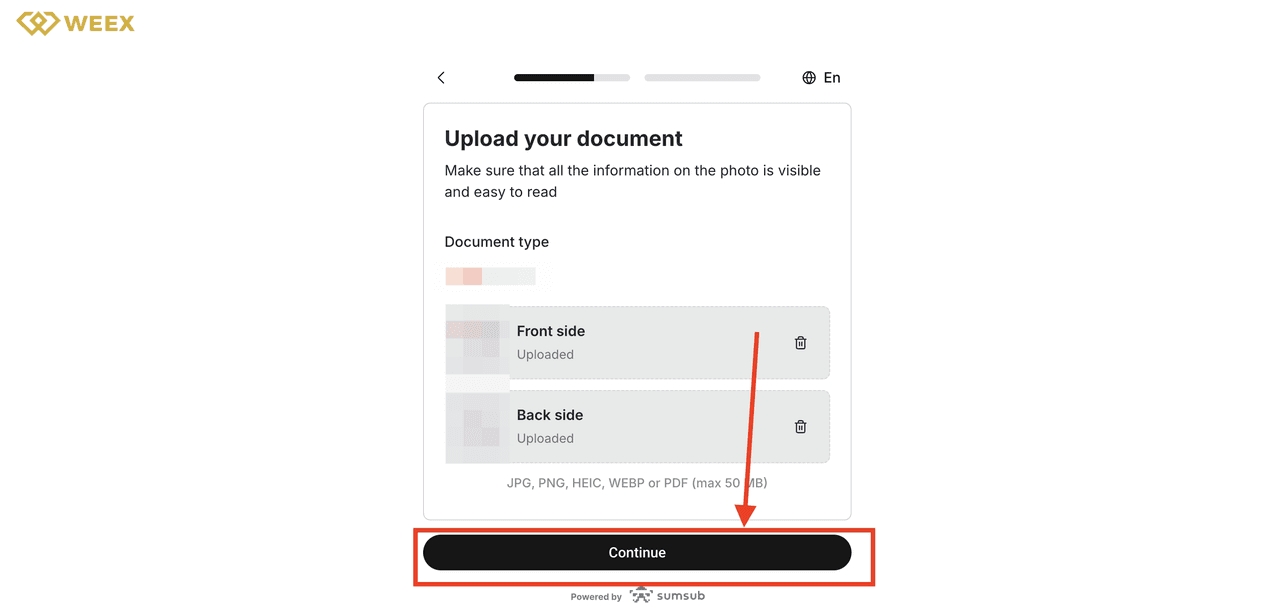
Step 7: Prepare for the liveness check and click “Continue.”
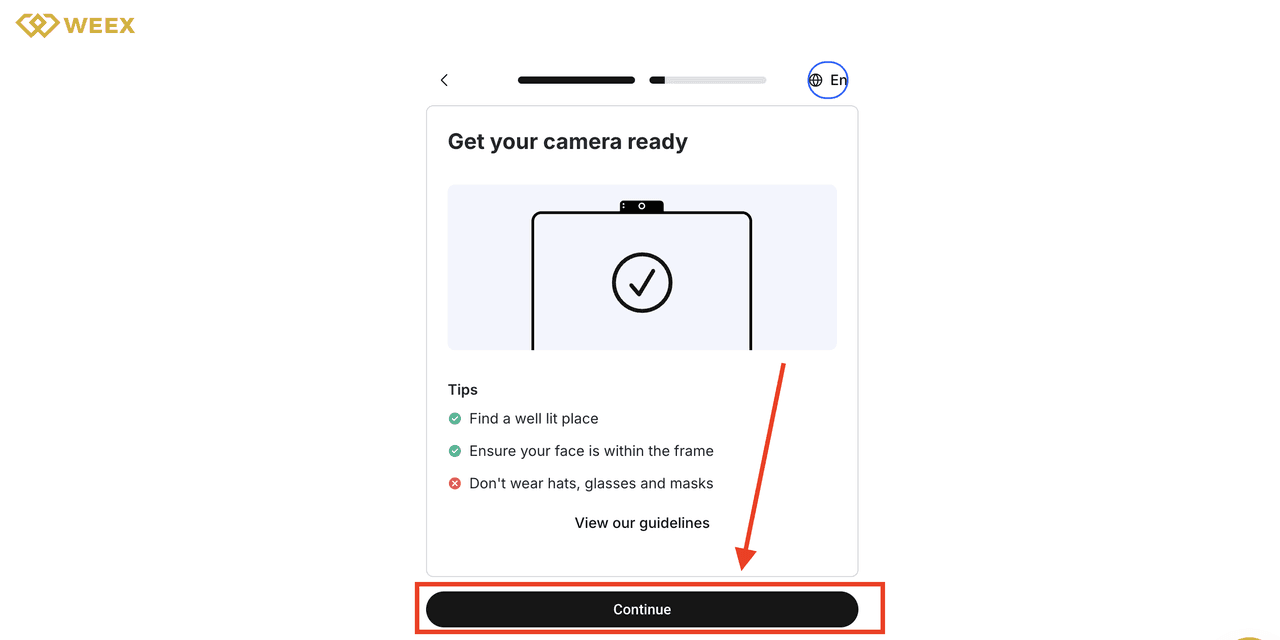
Step 8: Gant camera access and click “Continue.”
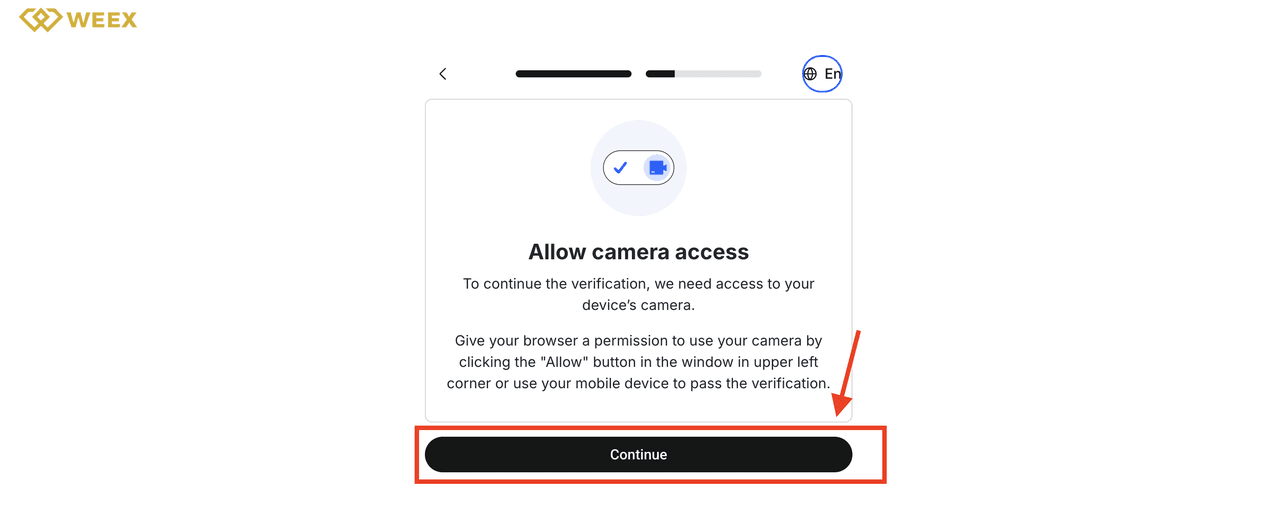
Step 9: After granting camera access, follow the on-screen instructions to complete KYC identity verification.
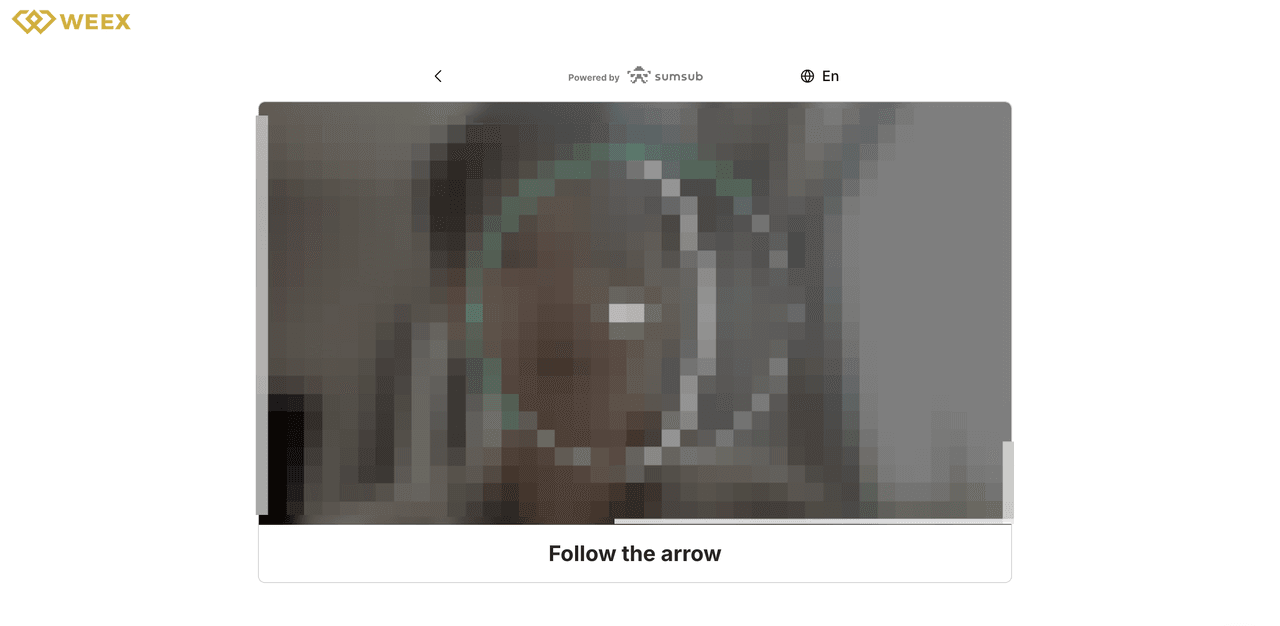
Step 10: Once the liveness check is complete, please be patient and wait for the manual review to be finished.
How Do You Complete WEEX KYC in the App?
The WEEX app KYC walkthrough documents a slightly different route to the same verification process. Open the app, sign in, and follow these steps:
- Tap the nine-dot icon at the upper-left of the app home screen.
- Tap your avatar to open the user menu.
- Select ID Verification.
- Choose your country or region of citizenship if prompted.
- Select the issuing country or region and document type for your ID.
- Upload the document requested by the app.
- Grant camera access and complete the liveness check.
- Return to the verification page to monitor the review result.
WEEX’s app guide also states that manual review is generally completed within three working days. An app update can change the appearance of a menu, so use the current on-screen labels if they differ from the illustrations in the Help Center.
What If Your WEEX KYC Application Does Not Pass?
A failed review does not necessarily mean that you need a new account. First read the reason or instruction shown on the verification page. WEEX’s web and app guides identify several common causes: an unclear or incomplete document image, poor lighting or a blurry camera during the liveness check, an interrupted connection, or identity information already associated with another account.
Correct the issue indicated on your screen before resubmitting. For a document problem, check its edges, legibility, and the selected issuing region and type. For a liveness problem, use adequate lighting and a steady camera. If an upload was interrupted, check the connection before trying again. Do not upload another person’s document or create another account to work around a review issue.
If the instructions remain unclear after checking your account status and the original guides, contact WEEX support with the error message and the stage where the process stopped. Share only information through the official support channel, and do not post your identity document or face image in a public comment.
How Do You Claim the WEEX Welcome Bonus?
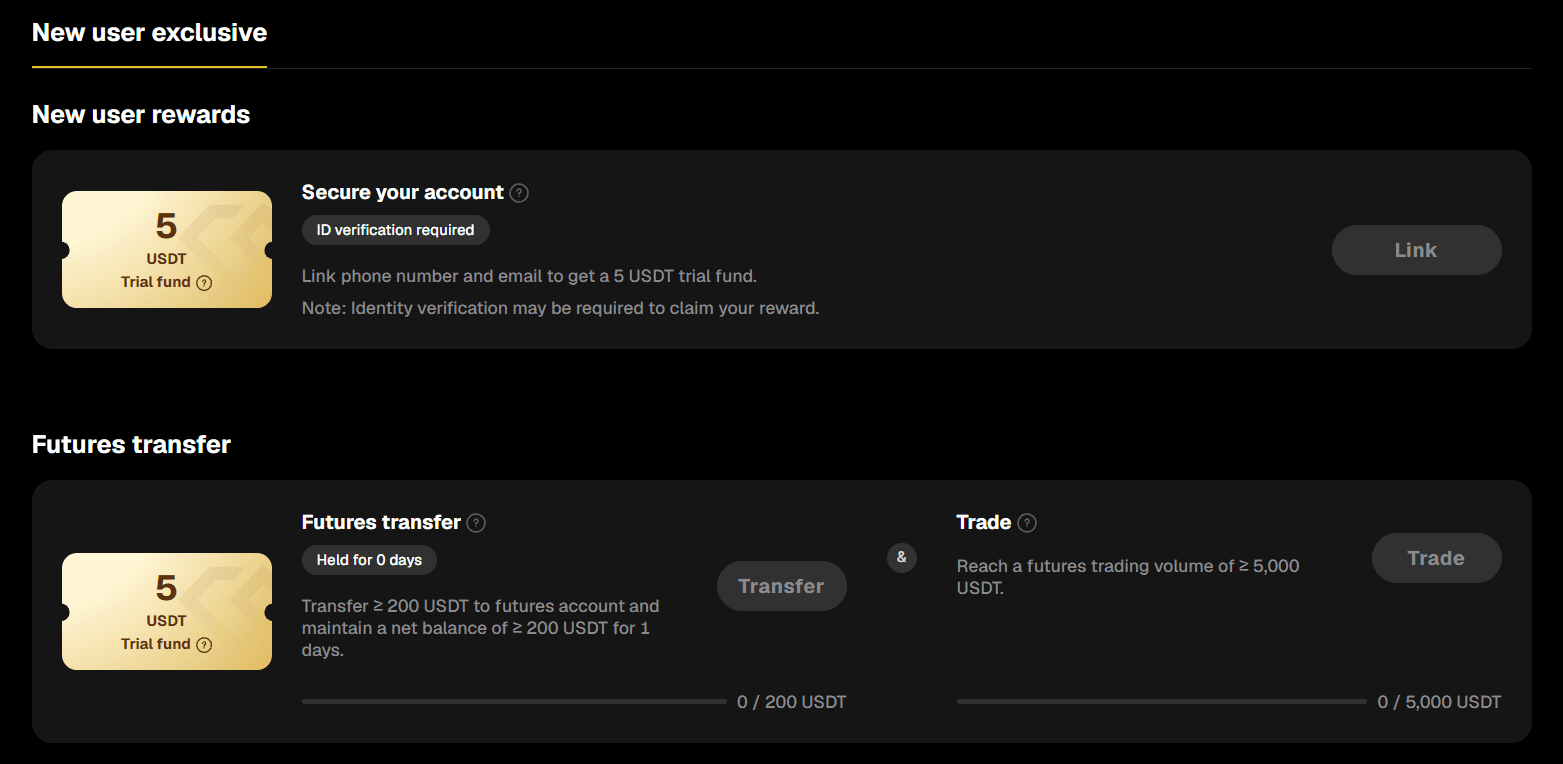
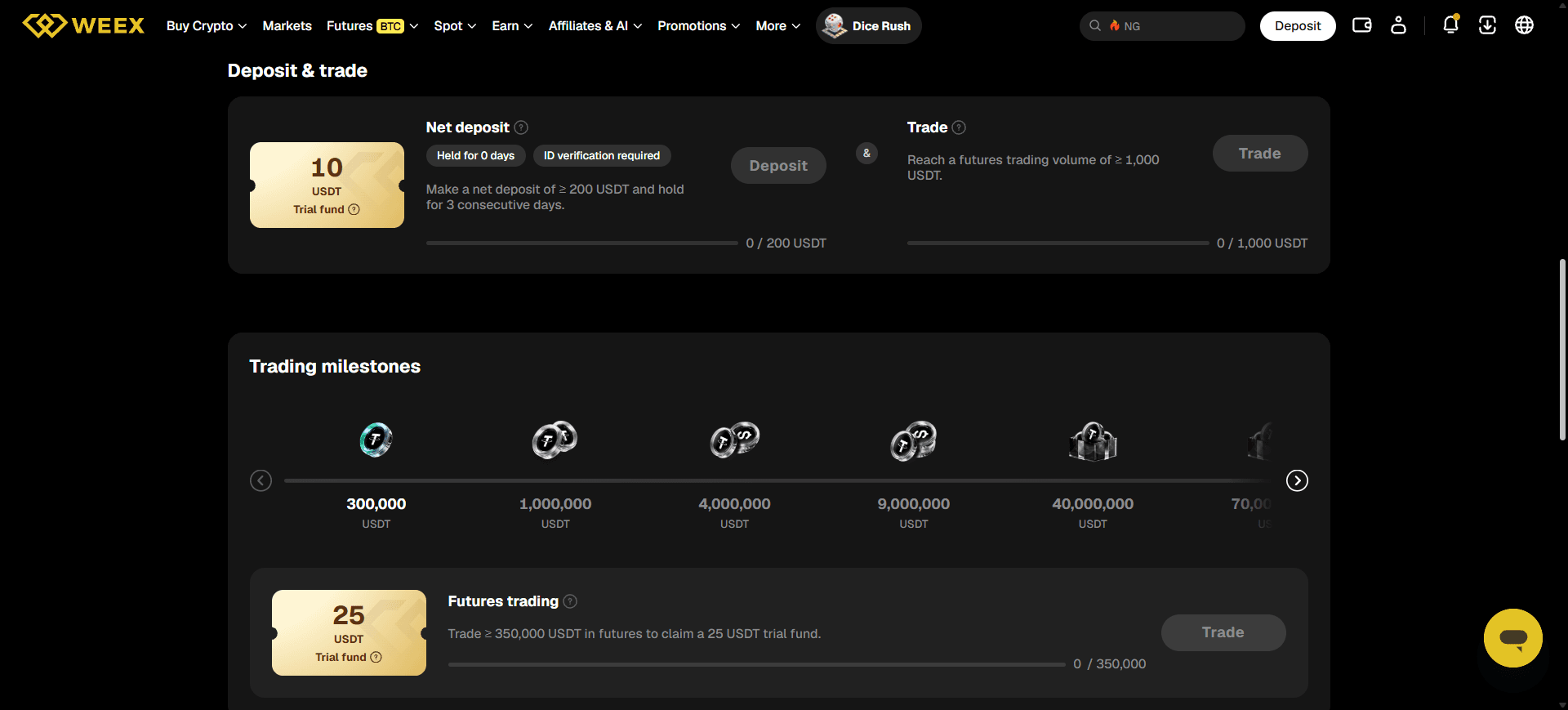
Open the official WEEX Welcome Rewards page while logged in. The page groups rewards by tasks such as registration, qualifying deposits, first futures trades, and other trading milestones. The available tasks, amounts, and requirements can change, and the tasks visible to an eligible account may differ from a public page viewed without signing in.
Use this sequence for each reward you want to pursue:
- Find the task and open its details. Identify the required action, the relevant product, the qualifying amount or volume if any, the time window, and any regional or account restrictions.
- Identify the reward type. A coupon, trial fund, and position airdrop are different benefits. The number shown beside a reward should not automatically be read as freely withdrawable USDT. The WEEX welcome bonus guide explains how the task-based program differs from a single sign-up payment.
- Complete only a task you understand. A deposit task can require a qualifying net deposit and a holding period. A futures task can require a specified first trade or accumulated volume. Check the exact task card before acting; registering alone does not complete those later tasks.
- Return to the event page and check progress. Confirm that the task shows as completed, then use its claim control if one appears. The page may direct you to your vouchers or promotions area to view a reward after claiming it.
- Read the use and expiry rules. Before using a reward, check the voucher details, valid products, expiry, and any limits on what can be withdrawn. If you receive a position airdrop voucher, read how WEEX position airdrops work: claiming one can open a real futures position according to the feature’s rules.
The public Welcome Rewards page displayed a sign-up coupon and additional deposit and futures tasks when checked on October 14, 2026. Treat these as examples of the current page structure, not a guarantee that the same offer will be available to every reader. The live task card and its rules determine eligibility.
Which Welcome Reward Should a Beginner Check First?
Start with the registration-related task, because it corresponds to an action you have already completed or are about to complete. Check whether the account shows it as eligible and whether you must select Claim. After that, review other tasks according to the product you actually intend to use.
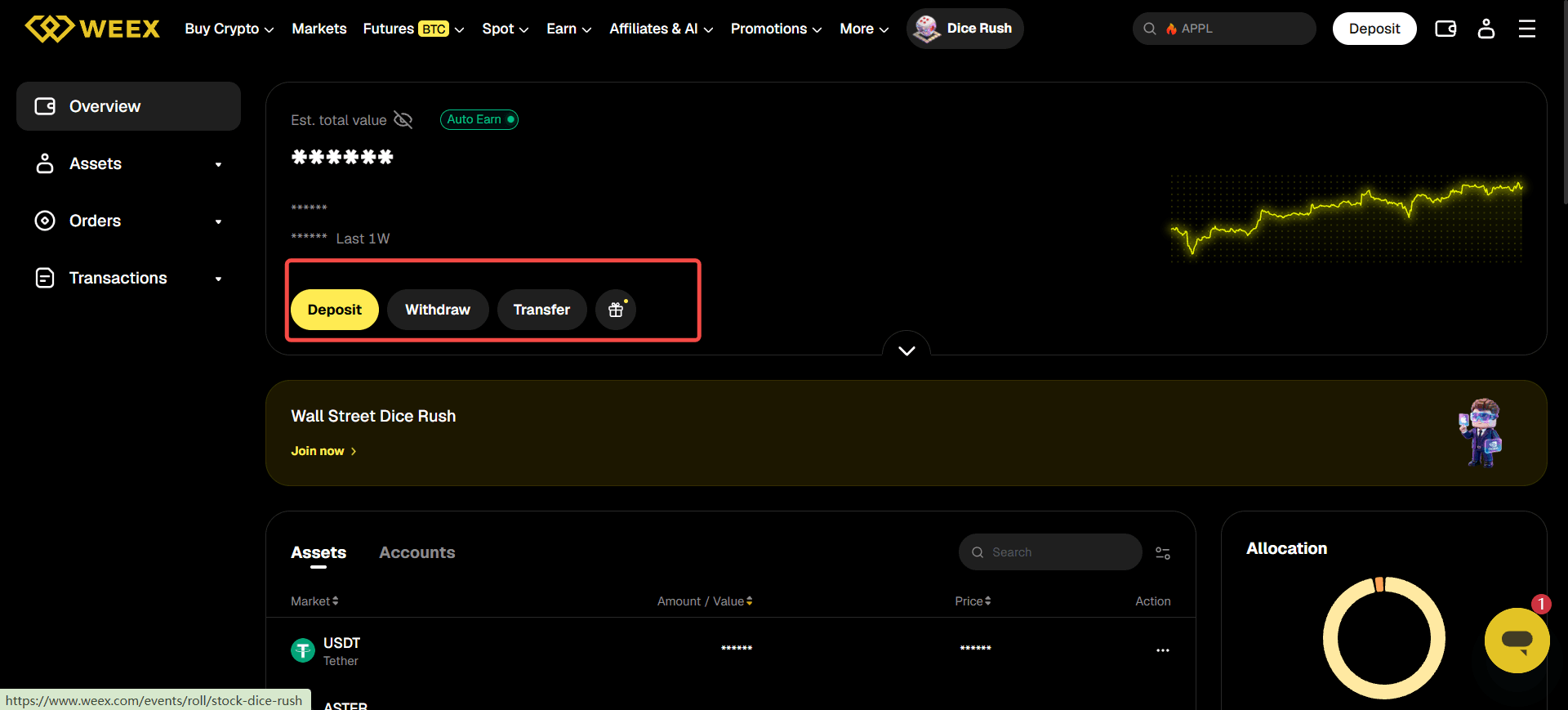
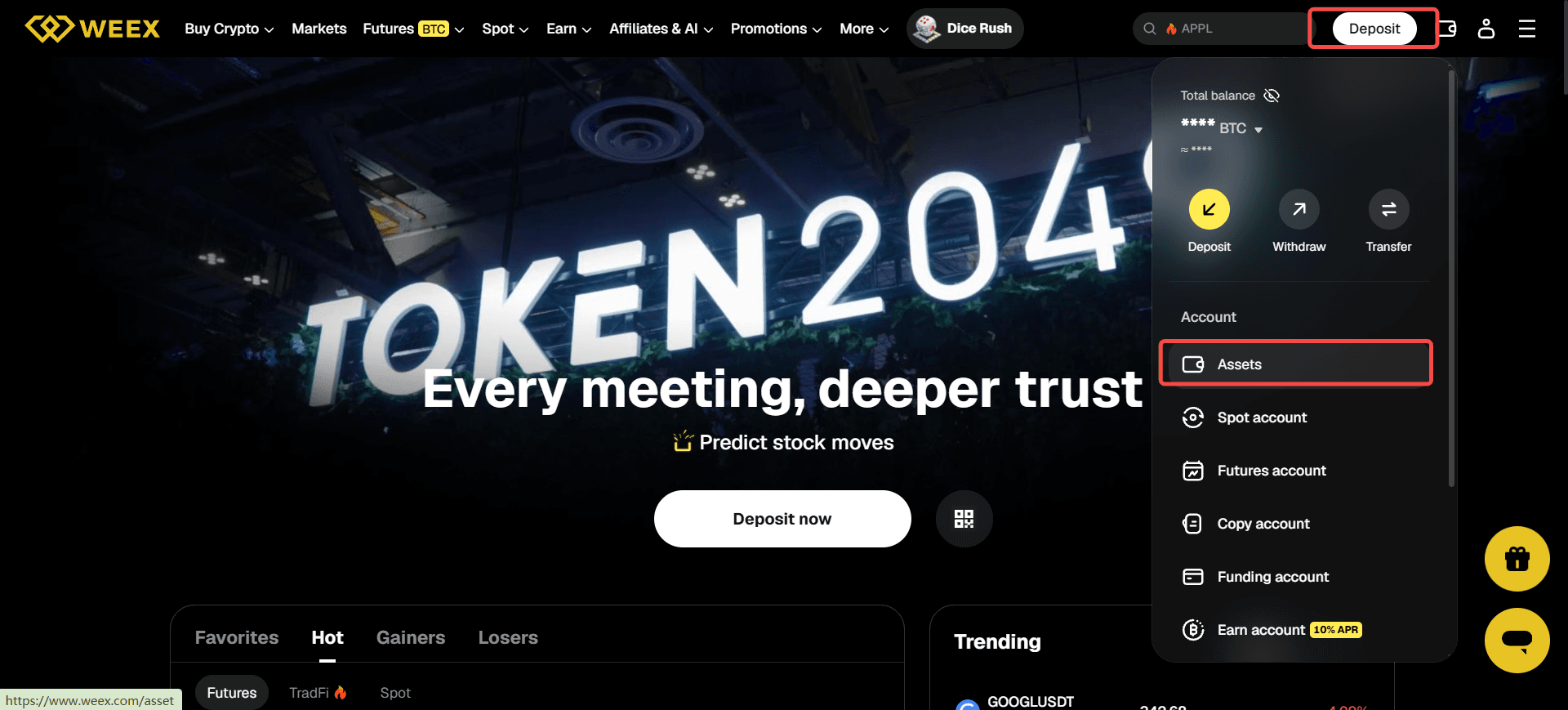
A deposit task is relevant if you were already planning to transfer assets. Before transferring, match the asset and network on both the sending and receiving sides; a wrong network can prevent funds from being credited. The WEEX deposit and withdrawal guide walks through the deposit address, network selection, and transaction record.
A futures task is different from a registration or deposit task because it involves a leveraged trading product. Its displayed trading volume is an eligibility threshold, not the amount of reward you receive. Review the order, margin, and liquidation controls in the WEEX futures guide before making a trade. You do not need to complete every Welcome Rewards task to finish setting up an account.
| Reward Category | Action to Verify on the Live Page | Detail Beginners Often Miss |
|---|---|---|
| Sign-up reward | Whether registration makes your account eligible and whether a claim action is needed | A coupon is not necessarily a cash balance. |
| Deposit reward | Minimum net deposit, eligible asset, holding period, and deadline | Withdrawing during a required holding period may affect qualification. |
| First-trade reward | Eligible product, first-trade definition, and minimum volume | Trading volume is not the same as the funds deposited or the reward value. |
| Position airdrop | Voucher conditions and how claiming creates a position | It involves a real futures position and should be understood before claiming. |
For a broader explanation of coupons, trial funds, airdrops, and campaign eligibility, see the WEEX Promotions Guide.
How Long Does WEEX Onboarding Take?
Registration itself may be quick if your contact method receives a code promptly. KYC submission time depends on how readily you can provide the requested information, a clear document image, and a working camera. KYC review time is separate: WEEX’s web and app instructions say manual review is generally completed within three working days.
Welcome Rewards tasks have their own timing. A registration-related task may be ready to check shortly after sign-up, while a deposit task with a holding period cannot be finished simply by completing KYC. Some trading tasks depend on activity over time. For that reason, there is no reliable single “under 30 minutes” completion time for registration, verification, and every welcome reward together.
A more useful expectation is: create the account and secure it first; submit KYC if your intended service requires it; then follow the live deadline and progress indicator for each eligible reward.
What Should You Do Before Your First Deposit or Trade?
Once your account is set up, decide which action you actually want to take. Browsing the market, depositing an asset, placing a spot order, and opening a futures position are different decisions; a welcome task should not be the only reason to choose a product.
If you plan to deposit crypto, open WEEX’s deposit page and confirm that the asset, blockchain network, address, and any required tag or memo match what you select in the sending wallet. If you plan to buy or sell on spot, first understand the difference between a market order and a limit order. If you plan to try futures, check the leverage, margin mode, fees, and estimated liquidation price before submitting an order.
Return to the Welcome Rewards page after each qualifying action to confirm that the task progress updates as expected. If it does not, check the exact requirement and transaction history before repeating a deposit or trade. This approach lets the onboarding tasks help you learn the platform without treating every advertised reward as an instruction to trade.
Frequently Asked Questions
Is WEEX KYC Required to Create an Account?
The WEEX registration guide describes creating an account with an email address or phone number and a verification code. Identity-verification requirements can then apply to particular products or account circumstances. Check the requirements shown for the service you intend to use.
How Long Does WEEX KYC Review Take?
WEEX’s current web and app KYC guides say manual review is generally completed within three working days after the required steps are submitted. The actual result depends on the review and the quality and completeness of the information provided.
Do You Receive the Entire Welcome Bonus Just for Registering?
No. The Welcome Rewards page includes separate tasks. A sign-up reward may be available to an eligible new account, while deposit and trading rewards have additional conditions. Check each task and reward type in your logged-in account.
Is a WEEX Welcome Coupon the Same as Withdrawable USDT?
Do not assume so. A coupon is a promotional reward with its own usage rules. Open its details in the event page or voucher area to see where it can be used, whether it expires, and which conditions apply.
What If a Completed Welcome Task Does Not Show a Reward?
Check the task’s eligibility, deadline, qualifying amount or volume, and progress status. Then look for a Claim action and check the vouchers or promotions area. If the records still do not match the task rules, contact official WEEX support with the task name and relevant transaction details.
Recommended Articles
- How to Create a WEEX Account — Detailed registration instructions.
- Does WEEX Require KYC? — Product-specific verification requirements.
- How to Complete KYC on the WEEX Website — Illustrated Sumsub web instructions.
- How to Complete KYC in the WEEX App — Illustrated app instructions.
- WEEX Account Security Setup — Authentication and account-protection controls.
- WEEX Welcome Bonus: How New-User Rewards Work — Reward types and task-based eligibility.
- How to Deposit and Withdraw Crypto on WEEX — The next step if you decide to fund your account.
This content is provided for general informational purposes only and doesn't constitute financial, investment, legal, or tax advice. Any events, rewards, online promotions, or related information mentioned herein should not be considered a recommendation, solicitation, or invitation to purchase, sell, trade, or otherwise deal in any crypto assets. Crypto assets are highly volatile and may result in loss. The availability of WEEX services, products, and related events may vary by region. You are responsible for ensuring that your participation is in accordance with applicable local laws and regulations.
You may also like
Bitcoin Price After Hot CPI: Why BTC Is Pinned Near $82,000
CoreWeave Stock Plunges 15%: Why a Bond Yield Spooked CRWV

WEEX Convert Guide: How to Swap Crypto on Web and App and What the Quote Really Means
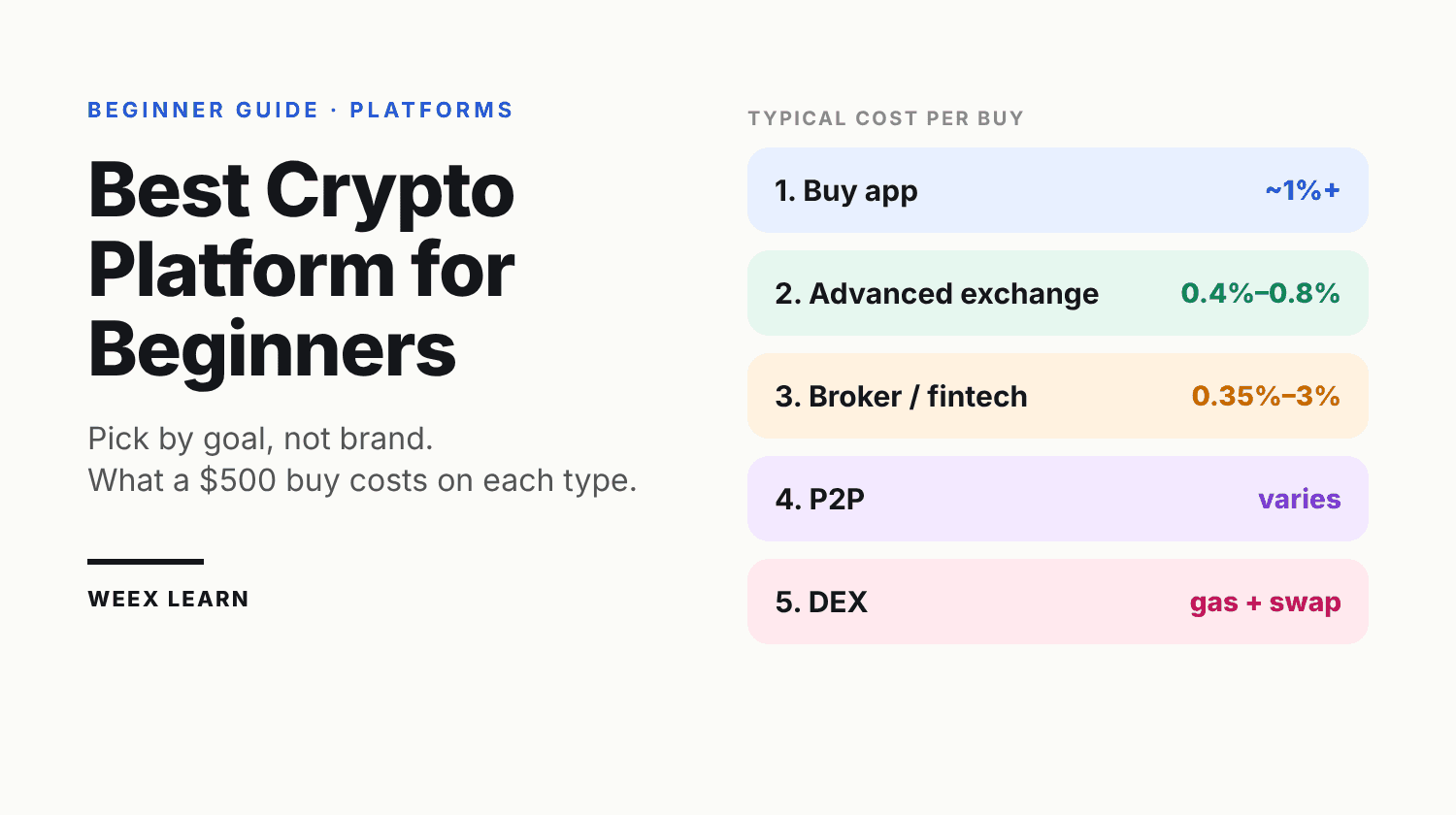
Best Crypto Platform for Beginners: Pick by Goal, Not Brand
Best Cold Wallet Crypto for Beginners: 5 Picks Under $150

Best Crypto Broker for Beginners: What to Check in Fees, Regulation, Security and Support Before You Deposit
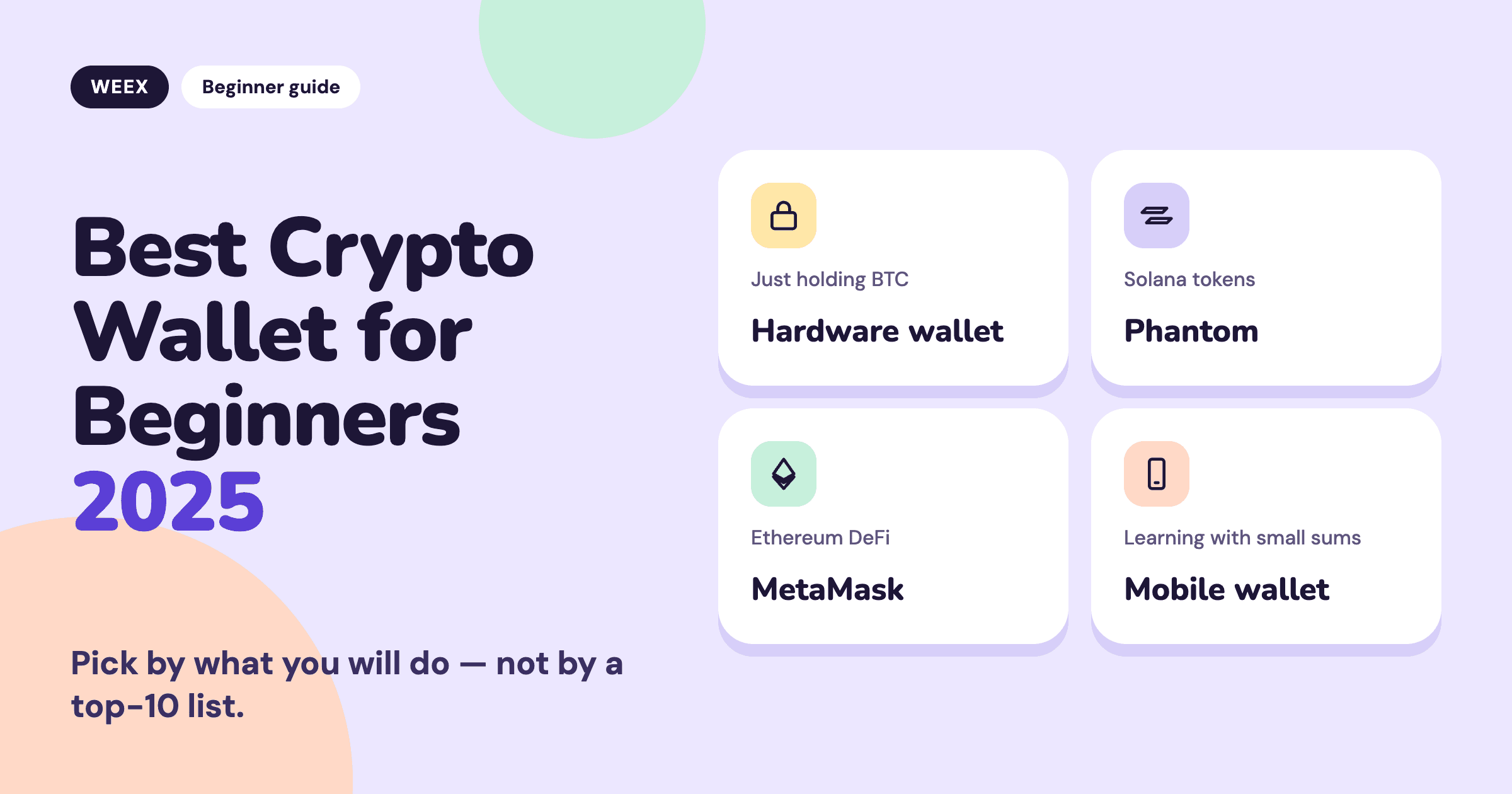
Best Crypto Wallet for Beginners 2025: Pick by What You Will Do
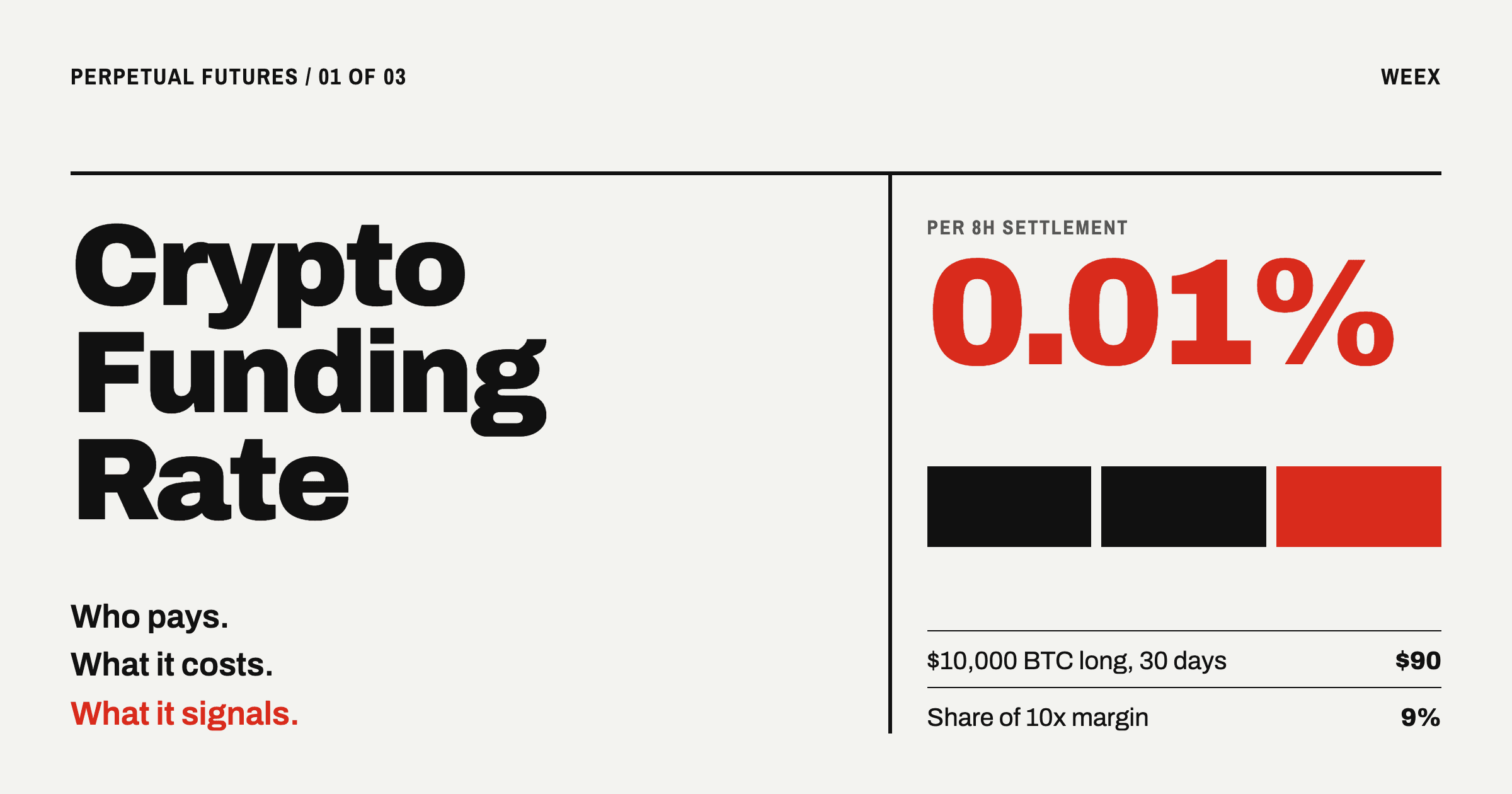
Crypto Funding Rate: Who Pays, What It Costs, What It Signals
How to Use an APR Boost on WEEX Auto Earn Without Wasting It
Anonymous Crypto Wallet: What Each One Hides and Where It Fails
What Is a Blockchain Node? Types, 2026 Counts, and Real Costs
Taiwan Stock Market Nears 50,000: Can the TAIEX Break the Milestone After the Holiday?
How to Buy USDT in Thailand: Payment Methods, Fees and Transfer Checks
WEEX API Key Setup: How to Connect a Third-Party Platform Safely
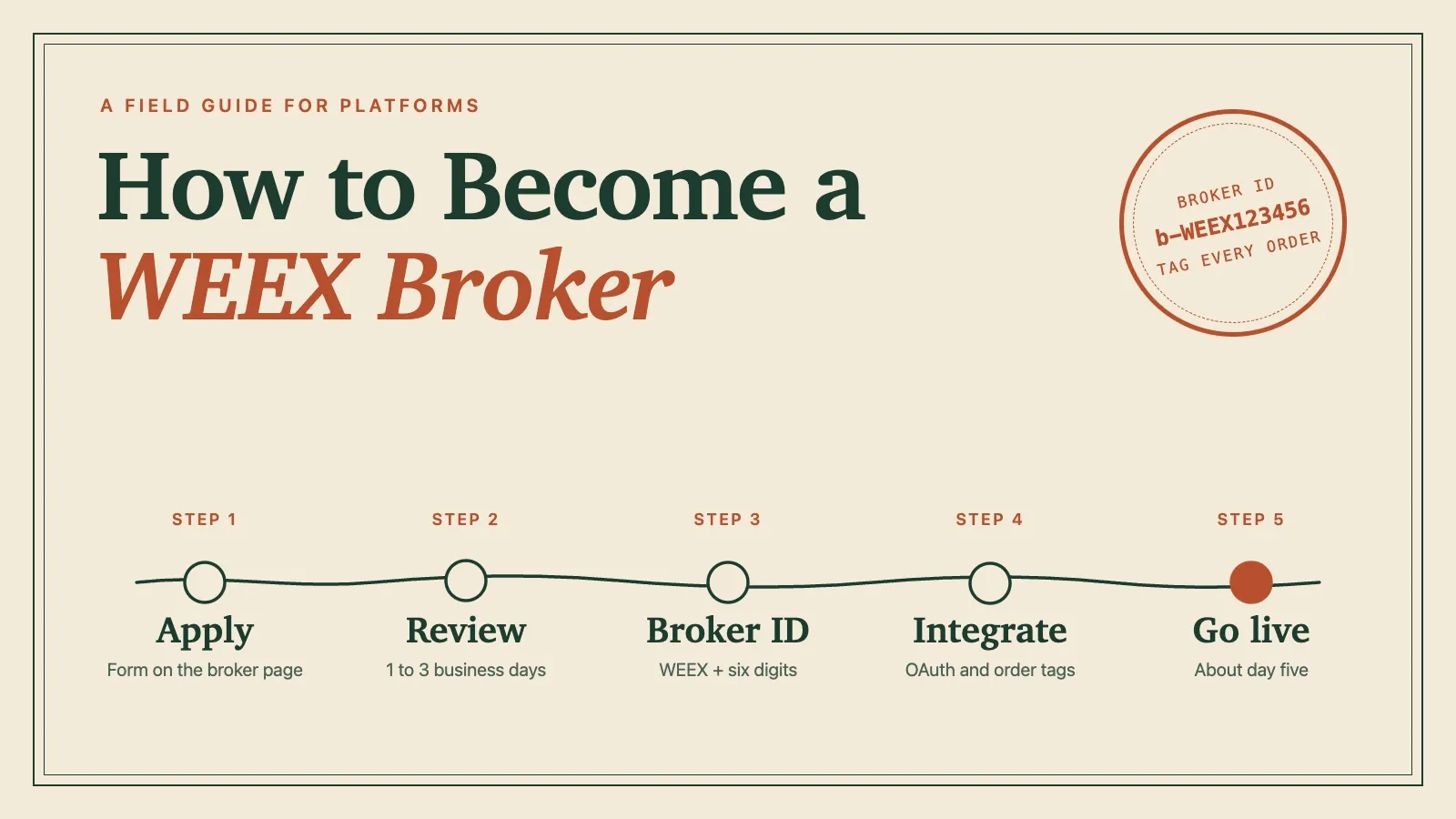
How to Become a WEEX Broker: Application, API Setup and Go-Live
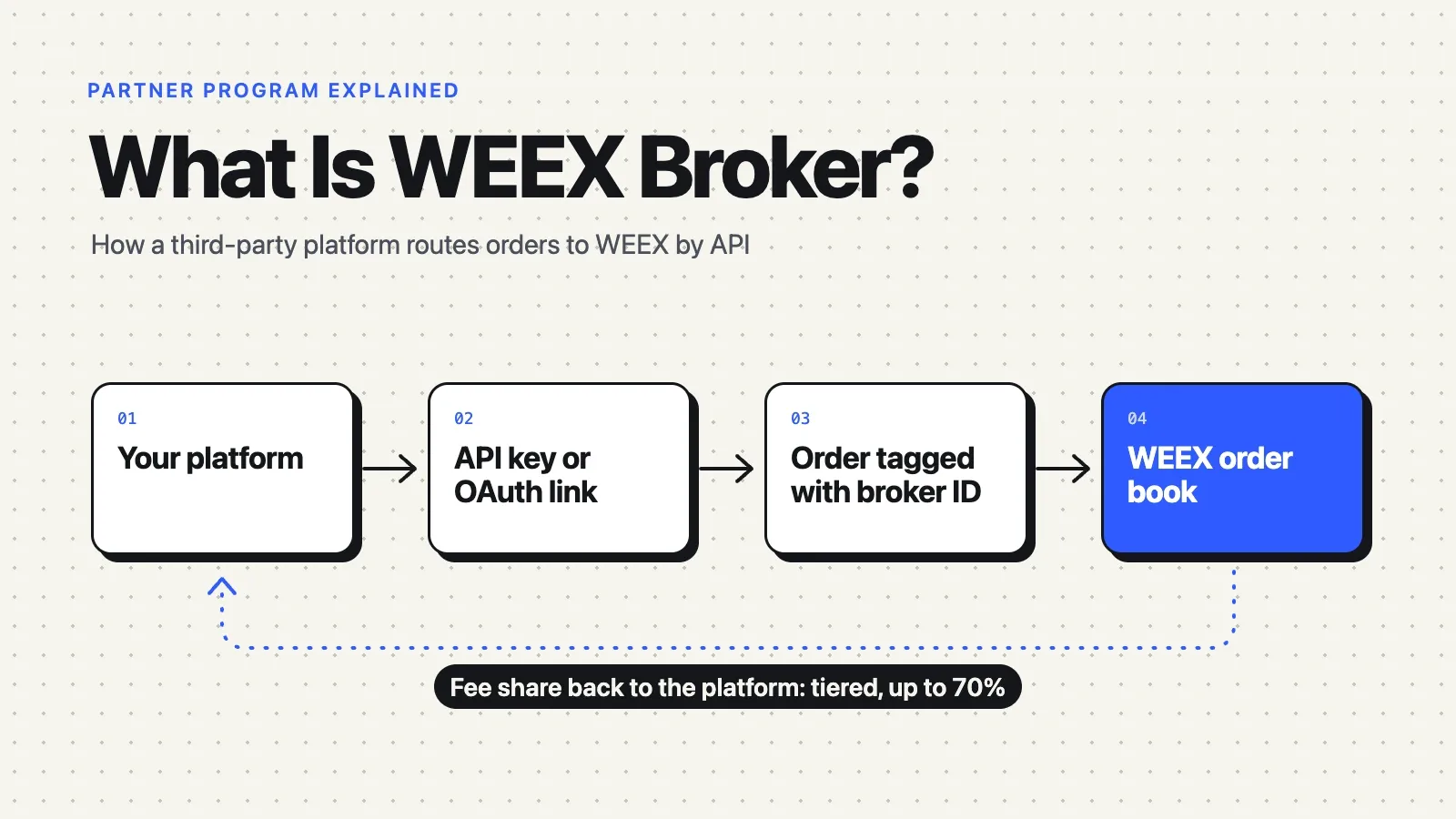
What Is WEEX Broker? API Program, Commissions and How It Works
WEEX Broker Models: Strategy Bots, Copy Trading and Sub-Exchanges
What Is Orca (ORCA) Crypto? The Solana DEX, USDY Liquidity, and the ORCA Name Confusion

WEEX TOKEN2049 Day 1 Live Preview: Booth, MBTI and AI Demo
RSI Indicator Settings: What 7, 9, 14 and 21 Did on BTC Charts
Best Crypto Apps for Beginners: The Five Features That Actually Matter on Your Phone

Stock Market Crash Risk in 2026: The Warning Signs Worth Watching
What Is Blockchain and How Does It Work? A Transaction Traced
How to Buy Crypto with PayPal: The Custody Catch Most Beginners Miss
What Is STOCKER? Stockereum, Stock-Paired Meme Tokens, and Risks
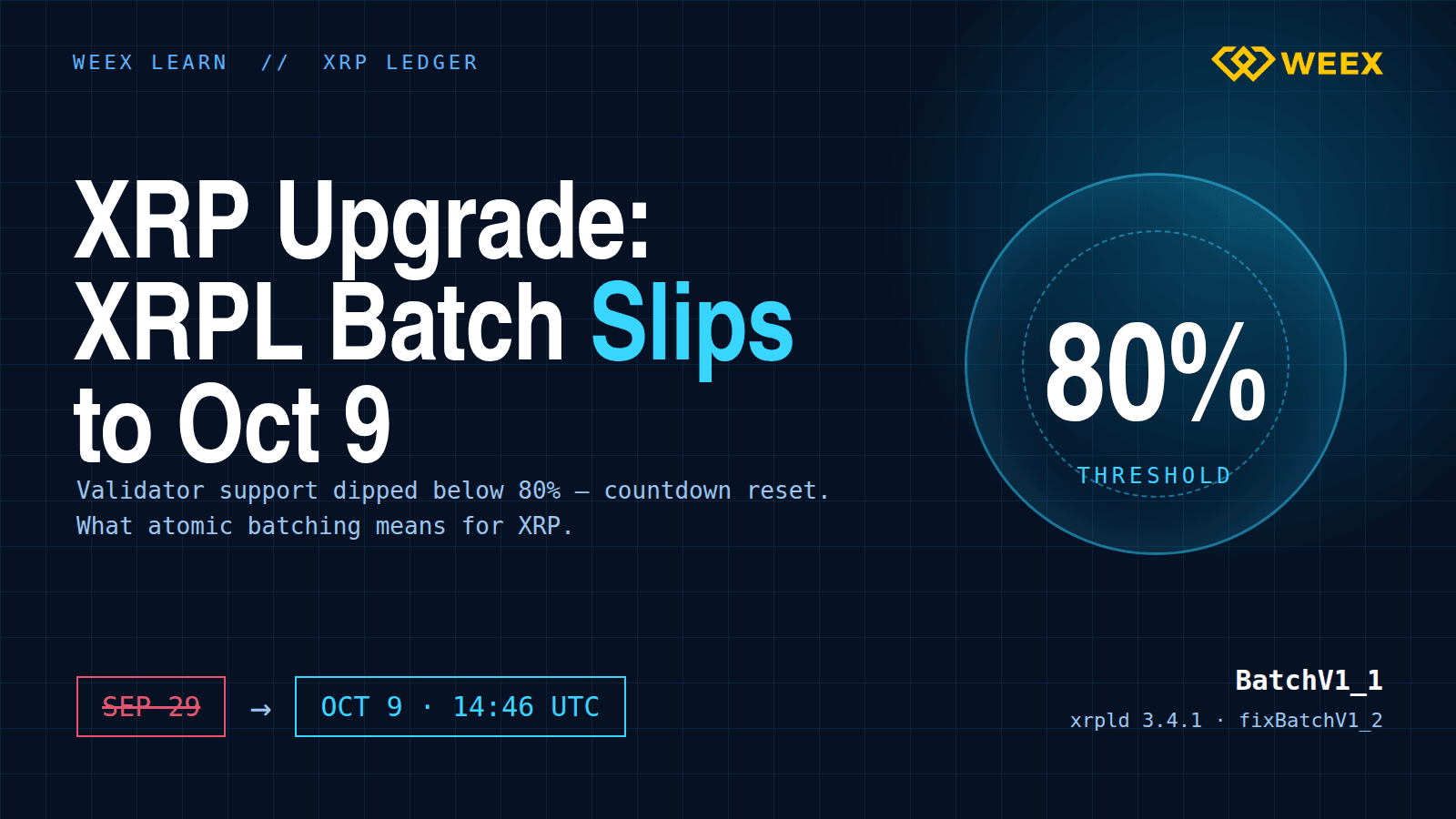
XRP Upgrade Update: XRPL Batch Slips to Oct 9 and What Changes

What Is Coinbase Wrapped HYPE (cbHYPE)? How It Works on Base, 1:1 Backing, Risks, and HYPE Conversion

Is QNT a Stock or Crypto? Quant (QNT) and Quantinuum Stock Are Not the Same Asset
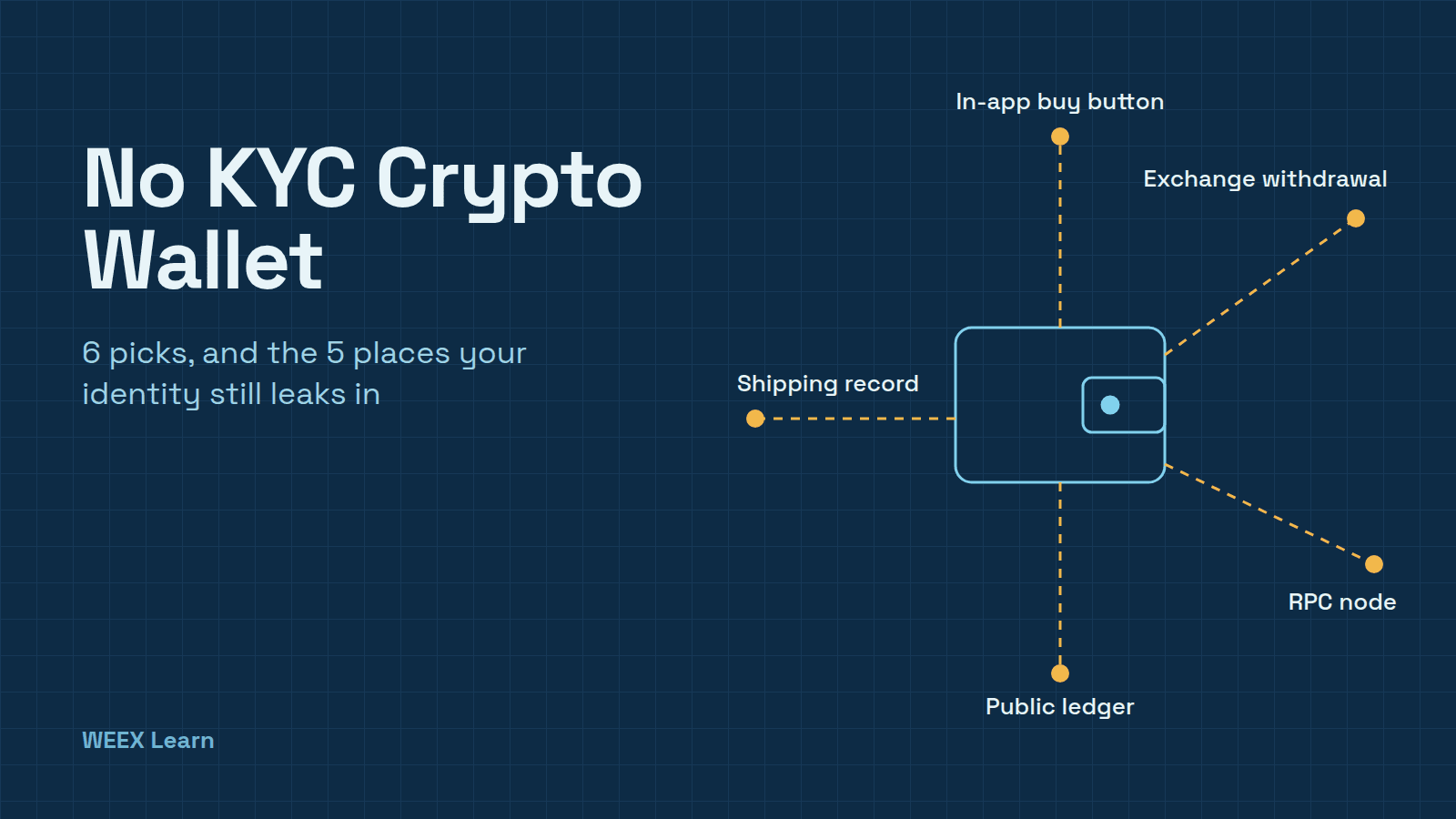
No KYC Crypto Wallet: 6 Picks and 5 Places Your ID Still Leaks
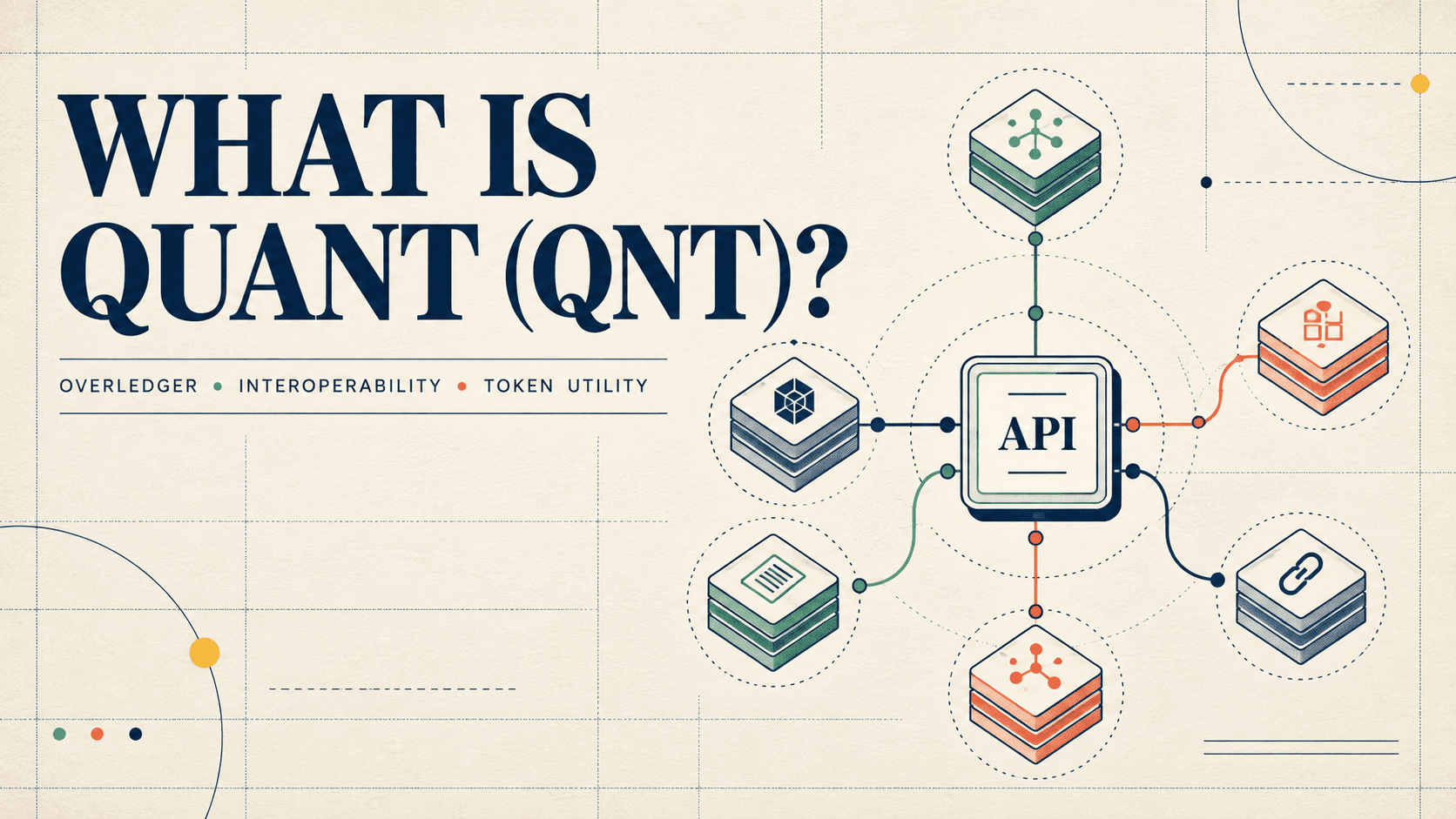
What Is Quant (QNT) Crypto? How Overledger Works, QNT Utility, and Token Supply Explained
Bitcoin Price After Hot CPI: Why BTC Is Pinned Near $82,000
CoreWeave Stock Plunges 15%: Why a Bond Yield Spooked CRWV
WEEX Convert Guide: How to Swap Crypto on Web and App and What the Quote Really Means
Best Crypto Platform for Beginners: Pick by Goal, Not Brand
Best Cold Wallet Crypto for Beginners: 5 Picks Under $150
Best Crypto Broker for Beginners: What to Check in Fees, Regulation, Security and Support Before You Deposit


