


WEEX App Download: How to Tell the Official App From Fakes
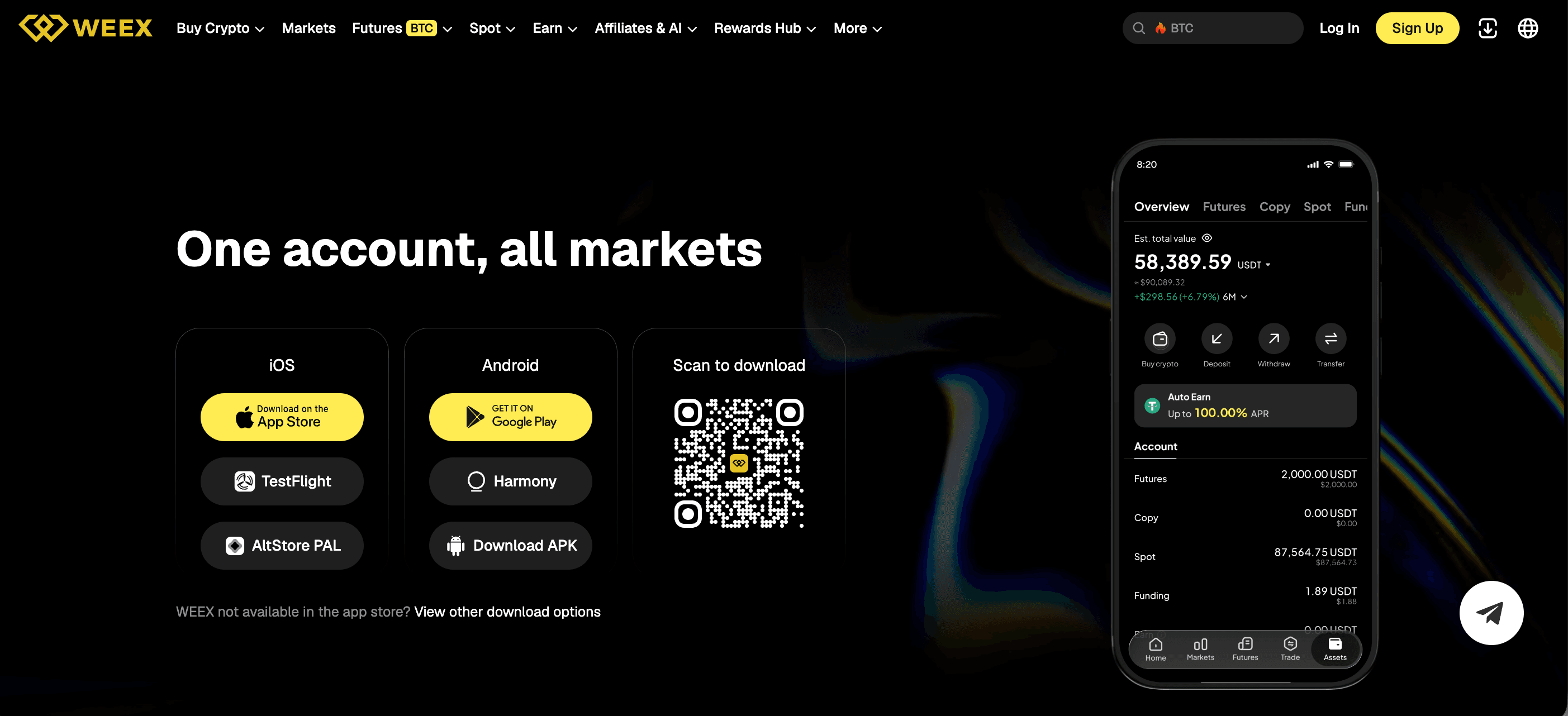
The official WEEX App Download page is weex.com/download. WEEX tells users to install the app only from that page and the app stores it lists, and to verify the developer before installing.
The page lists the supported ways to get the app on iOS and Android, and WEEX’s help center has a separate guide for each route. WEEX warns that apps and APK files from unofficial sources can be used to steal login details, and it published an alert on April 1, 2026, about a fake app that misused its brand. This guide covers where to find the official download page, what WEEX says to check before installing, and how to verify a contact or link with WEEX’s own tool.
Where Is the Official WEEX App Download Page?
The official WEEX App Download page is weex.com/download. WEEX’s own alerts and help articles name it as the official website for downloads, and WEEX’s channel guide, lists the apps as available through “the official download page and the app stores it lists.” The official domain is weex.com and its language sub-paths, and the guide recommends bookmarking the site and using only that bookmark.
WEEX’s phishing guide, gives the same rule in one line: “Download the WEEX app only from the official site or app stores.” It lists red flags that apply to downloads, including fake WEEX apps from untrusted sources that “harbor malware to steal your data,” prompts to download unofficial “security updates,” and unexpected email attachments such as PDFs, ZIPs and EXEs. It also tells users to watch for look-alike addresses such as “weex.exchange.com” instead of weex.com and for shortened links that hide the real destination.
Which Developer Name Should You Check Before Installing?
WEEX’s installation guides tell users to confirm the developer name before downloading. On the Apple App Store, the developer to look for is “Weex Virtual Currency Exchange LLC.” WEEX’s iOS guide says to search for “WEEX” in the App Store or use the official App Store link, and to verify the developer name to avoid fake apps. The fake app alert repeats the same instruction for the App Store.
On Google Play, the developer to look for is “WEEX PRO.” WEEX’s Android guide says to search for “WEEX,” find the app published by “WEEX PRO,” and select Install. This is a different name from the App Store developer, so the name to check depends on the store being used. The fake app alert gives both names side by side, and both are listed as WEEX’s official developer accounts.
The point of the check is that an app can copy WEEX’s name, logo and description, but the publisher shown on the store page is what WEEX tells users to verify. The fake app described in the next section used the WEEX brand but was published by a different developer. A user who sees a different publisher name, or a name that is only similar, should not install the app.
What Is the Fake “WEEX-PRO” App Alert?
On April 1, 2026, WEEX published an urgent alert about a malicious app named “WEEX-PRO” on the Apple App Store. The developer listed for it was Rakhim Velkar, not WEEX’s official developer account. According to WEEX, the app misused its trademark, brand name and logo to mislead users and run phishing scams. WEEX states that it is not an official product, that it has reported the app to Apple and that it has started legal action.
The alert tells users not to download, install or use “WEEX-PRO,” and not to enter personal information or login credentials, or make deposits or trades, in the app. Users who have already installed it or logged in are told to delete it immediately. They should then log in to the official WEEX website, change their login password and fund code, and enable two-factor authentication as soon as possible.
How Do You Install WEEX From Official Sources?
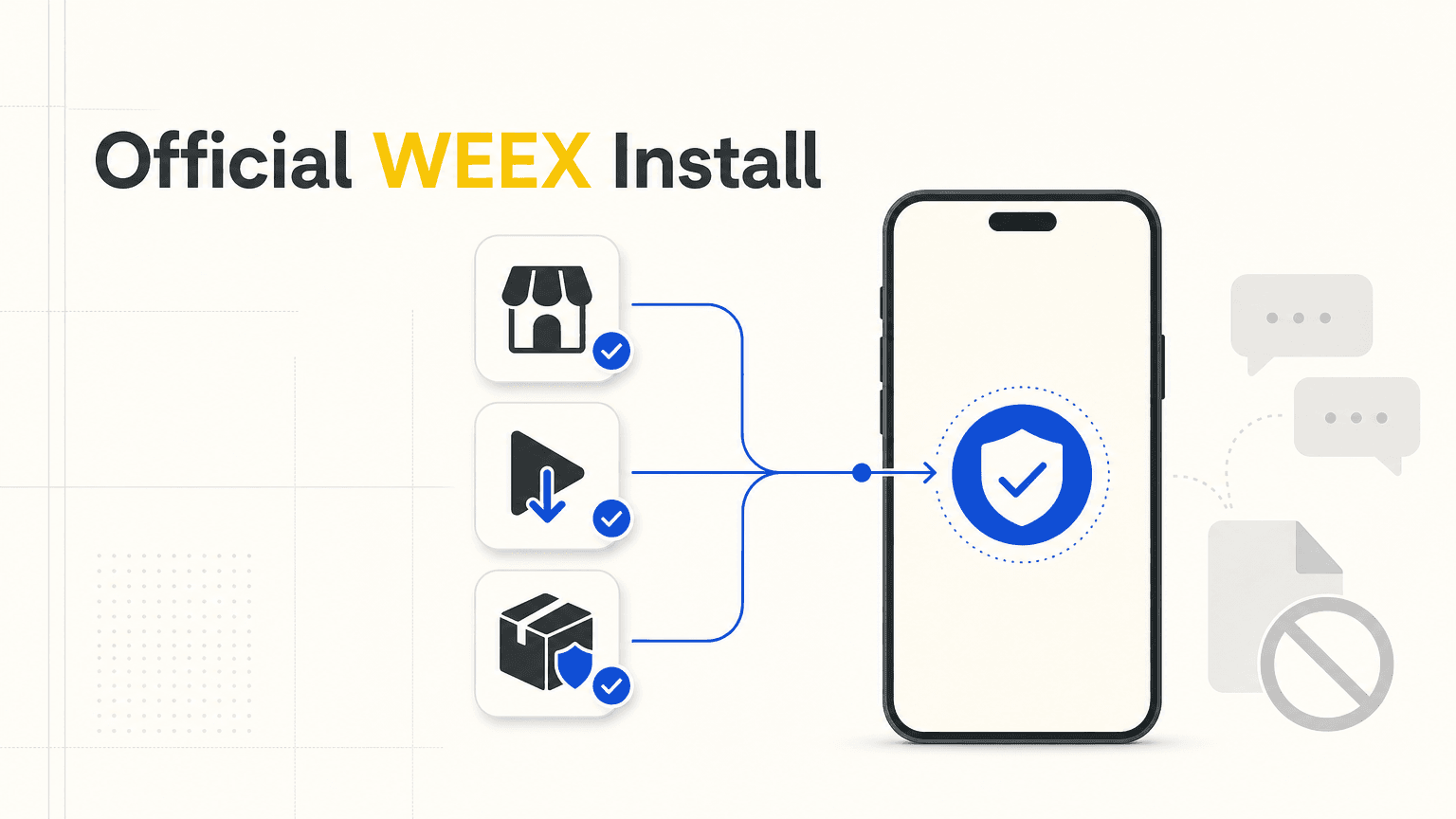
For iPhone, WEEX’s iOS guide says to use the official App Store link or to search “WEEX” in the App Store, and to confirm that the developer is Weex Virtual Currency Exchange LLC before installing. For installation problems, it points users to WEEX customer support. The guide does not carry a publication date.
For Android phones with Google Play, WEEX’s Android installation guide says to search for “WEEX,” find the app published by WEEX PRO and select Install. If the app does not appear on Google Play, WEEX says an APK can be used instead. The APK is obtained from the official WEEX website by tapping the download icon in the upper right corner and selecting “Android APK.” WEEX says to download the APK only from official WEEX channels to avoid fake apps.
WEEX also notes that APK links are updated regularly. If a link does not work, its guide suggests trying a different browser or network, and if a link is unavailable, it says to contact customer support for the current version. The official channel guide warns that APKs shared in group chats are a common vector for credential-stealing builds, so an APK received from a chat, a message or a post, and not from the official download page, falls outside the route WEEX describes. For Huawei devices, WEEX’s HarmonyOS guide also directs users to the official download page and warns against installing APK files from unknown sources.
How Can You Check Contacts and Links With WEEX’s Tools?
WEEX provides a Contact Verifier at weex.com/official-verification, which says it can check websites, email addresses, phone numbers, Telegram IDs and social accounts to see whether they are official.
WEEX’s guide on spotting fake contacts gives these steps: do not reply, copy the identifier such as the URL, sender address, handle or phone number, then type weex.com/official-verification into the browser yourself and not through a link in the suspicious message. Select the identifier type, paste it in and check the result. If it comes back unverified, report it to support@weex.com and block the sender.
Conclusion
The official WEEX App Download page is weex.com/download. WEEX tells users to install only from that page and the app stores it lists, to download an APK only from the official website, and to check any contact or link with its Contact Verifier. Because WEEX’s installation guides carry no dates, check the official download page and help center again before each installation.
FAQ
1. Where is the official WEEX App Download page?
The official page is weex.com/download. WEEX’s alerts and guides name it as the official website for downloads.
2. How can I tell the official WEEX app from a fake?
Check the developer name before installing: Weex Virtual Currency Exchange LLC on the Apple App Store and WEEX PRO on Google Play.
3. What should I do if I installed a fake WEEX app?
WEEX says to delete it immediately, log in to the official website, change the login password and fund code, and enable two-factor authentication.
4. Can I download the WEEX APK from a chat or a link someone sent me?
WEEX says to get the APK only from its official website, and its channel guide warns that APKs shared in group chats are a common vector for credential-stealing builds.
5. How do I check whether a WEEX contact or link is official?
Use the Contact Verifier at weex.com/official-verification, typing the address into the browser yourself. It checks websites, emails, phone numbers, Telegram IDs and social accounts.

Gainers


