


How Can I Avoid Fake WEEX Support and App Scams?
Fake WEEX support and fake WEEX app scams share one pattern: the scammer reaches out first and asks for codes, passwords, a transfer or an installation, while real WEEX support answers tickets that users open and never starts the conversation.
The app has one official source, the download page at weex.com/download and the app stores it lists. The sections below follow how these scams unfold, from the first message to what to do afterwards.
How Do Fake WEEX Support Scams Usually Start?
Most of them start with an approach the user did not ask for. Impostors post fake support messages in community groups or contact users privately, then guide them to phishing sites that collect usernames and passwords step by step. Some pose as customer service by phone, text or email, and some add the user to a chat on a messaging app, where the conversation continues away from any official WEEX channel.
The first sign is the direction of contact. WEEX support does not start private chats. Users who need help are directed to the online customer service on the official WEEX website, and support answers tickets that users open. An official channel admin never contacts users privately, so a direct message from a “WEEX manager” or “support agent” is already outside the way WEEX works.
Forged branding makes these messages look convincing. WEEX has warned that scammers copy its logo and set up fake groups that look official. A profile photo, a verified-looking name or a polished message therefore proves nothing, and the useful question is who started the conversation.
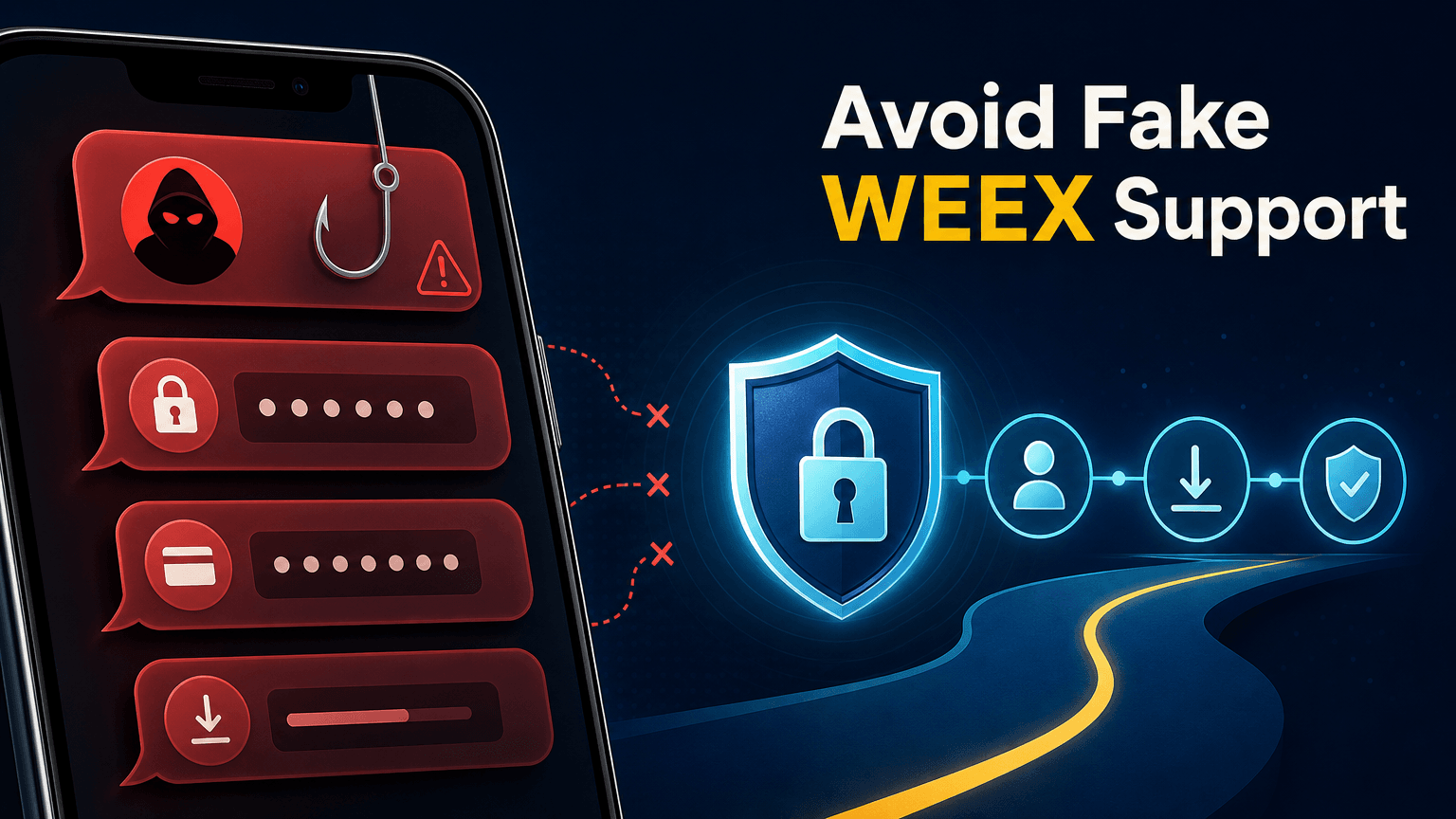
What Do Scammers Say to Create Urgency?
WEEX has described several stories that scammers use. One is a message about account risk that leads to a fake phishing website. Another is an “account freeze” claim, sometimes combined with an allegation that the account is linked to money laundering, followed by a request to move assets to a “safe account” through a fake URL. A third is a fake group that promises to replace lost funds or offers a smart-contract event.
Each story has the same function: to make the user act before checking. The account problem is invented, the deadline is invented and the next step always involves handing something over, whether a login, a verification code or a transfer. A real notice from WEEX is published through the WEEX website and verified official channels, and it does not ask the user to move funds anywhere.
Some scammers go one step further and ask the user to share the screen or give remote access so that a “support agent” can fix the account. That gives the scammer sight of codes and balances in real time. WEEX has also warned users not to install third-party access-sharing software at the request of someone claiming to be WEEX.
What Does Real WEEX Support Do Differently?
Real WEEX support works from the user’s side. The user opens a ticket or uses the online customer service on the official website, and support replies to that request. It does not message first, it does not invite users into private chats and it does not use an official channel’s admin account to contact members privately.
It also stays within clear limits. A real agent never asks for an authenticator code, an SMS code, an ID scan or card details, WEEX never asks for a password or a private key, and no one from WEEX asks users to transfer funds or digital assets to them or to a third party. Any request that crosses one of these limits is not a support request, however polite or official it sounds.
A message that is difficult to judge can be checked before any reply. The Contact Verifier at weex.com/official-verification checks websites, emails, phone numbers, Telegram IDs and social accounts, and the page should be opened by typing the address into the browser rather than from the message itself.
How Do Fake WEEX App Scams Work?
A fake app scam asks the user to install something that is not the WEEX app, or a changed copy of it. WEEX’s help center describes APK files shared in group chats as a common way of spreading builds that steal credentials, and a link in a message or a post is not part of the official route. The WEEX app is available from the official download page and the app stores it lists.
Fake apps can also appear in a store. On April 1, 2026, WEEX published an alert about a malicious app named “WEEX-PRO” on the Apple App Store, published by a developer that is not WEEX’s official account. The alert said the app misused the WEEX name and logo, that it is not an official product and that WEEX had reported it to Apple and started legal action. Users who had installed it were told to delete it immediately and to change their login password and fund code.
The check is the same as for support: the user should arrive at the app through the official download page and confirm the publisher shown on the store page, and not install an app because someone in a chat recommended it. A support agent who asks for an app to be installed in order to “fix” an account is not WEEX support.
What Should You Do If You Already Followed a Scammer’s Instructions?
Stop all contact first, and do not reply to further messages. Change the WEEX password from the official website, reached through a bookmark and not through a link in a message, and update or enable two-factor authentication. If a fake app or access-sharing software was installed, remove it, and if money or assets were moved, tell WEEX Support right away through the official channels.
Report the scam to WEEX Support at support@weex.com and include what was received: the message, the sender’s handle or number, any links and, if relevant, the transaction details. A report helps WEEX look at the same identifiers, and the sender can be blocked after the details are saved. Passwords that were reused on other services should be changed there as well, which is general security advice and not a WEEX statement.
WEEX’s security alerts and guides are published in the Help Center, and newer notices appear there first. Anyone who is unsure whether a message is real should check it with the Contact Verifier before replying.
Conclusion
Fake WEEX support starts with an unsolicited message, invents an account problem and ends with a request for codes, passwords, a transfer or remote access. Real WEEX support never starts the conversation, never asks for those things and works only through tickets and the online customer service on the official website. The app comes only from the official download page and the app stores it lists, and any suspicious contact can be checked with the Contact Verifier before replying.
FAQ
1. How can I tell if someone claiming to be WEEX support is fake?
Check who started the conversation. WEEX support answers tickets that users open and never starts the conversation, and official channel admins never contact users privately.
2. What will real WEEX support never ask me for?
A real agent never asks for an authenticator code, an SMS code, an ID scan or card details. WEEX never asks for a password or a private key, or for a transfer of funds or assets to anyone.
3. Where should I download the WEEX app?
Download it only from the official download page at weex.com/download and the app stores it lists. APK files shared in group chats are a common way of spreading builds that steal credentials.
4. What was the fake “WEEX-PRO” app?
On April 1, 2026, WEEX warned about an app named “WEEX-PRO” on the Apple App Store that misused its name and logo. WEEX said it is not official and that it had reported it to Apple and started legal action.
5. What should I do if I already shared codes or details?
Change the password from the official website, update or enable two-factor authentication and report the incident to support@weex.com.

Gainers


